
Looking for a free Mac cleaner? Try diCleaner

IsoBuster (32bit)3.6
 تجربة مجانية
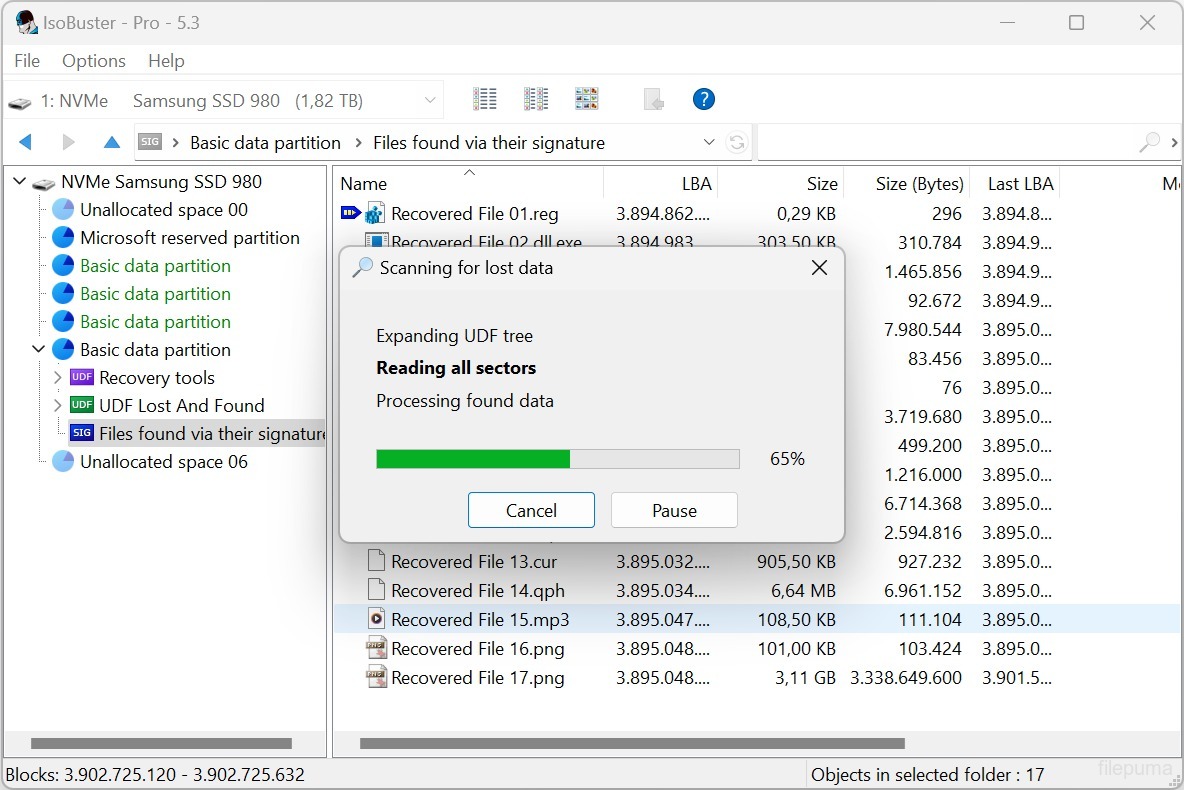
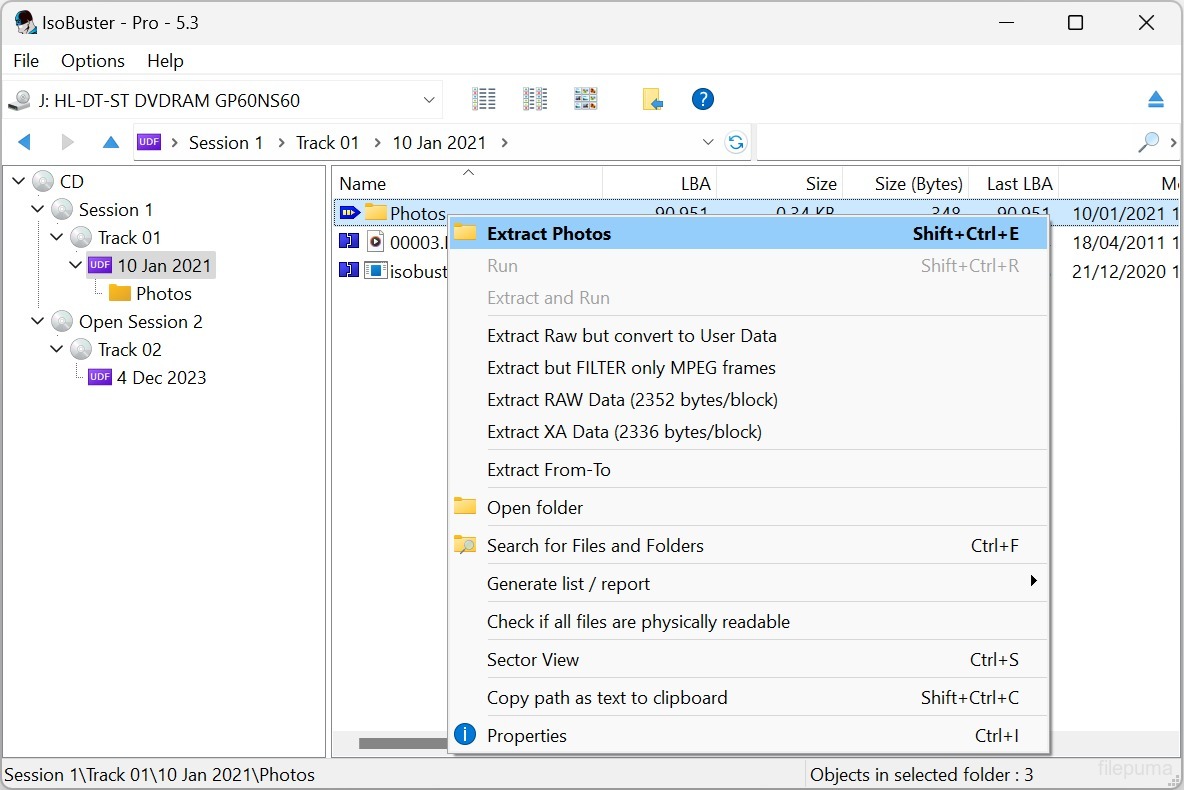
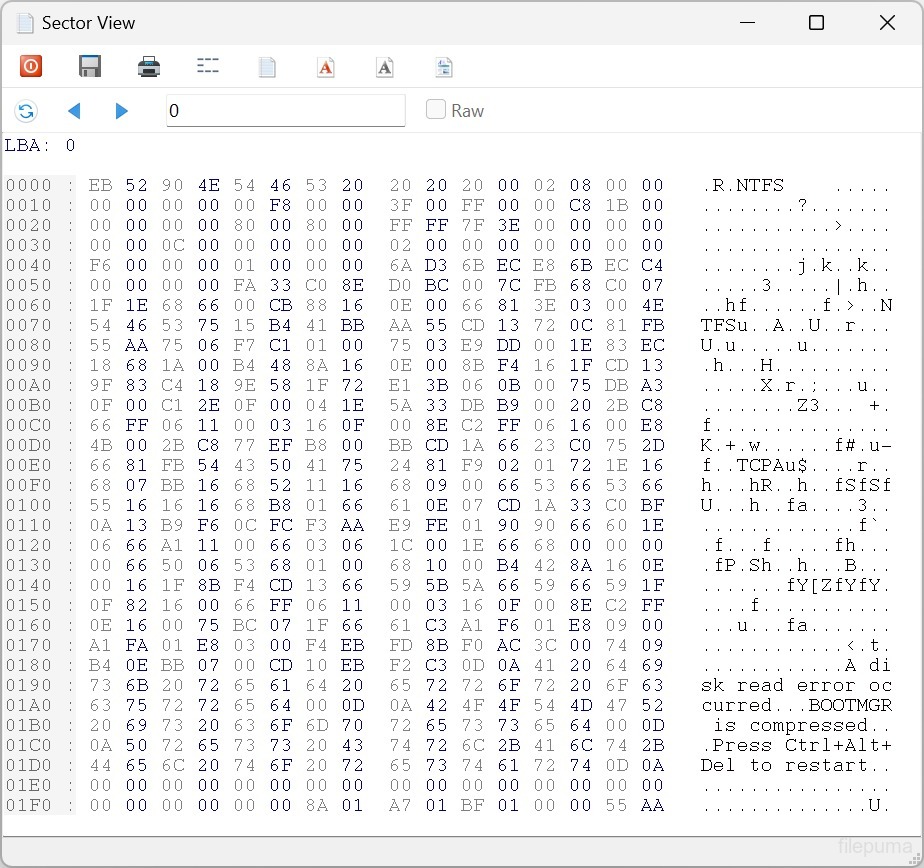
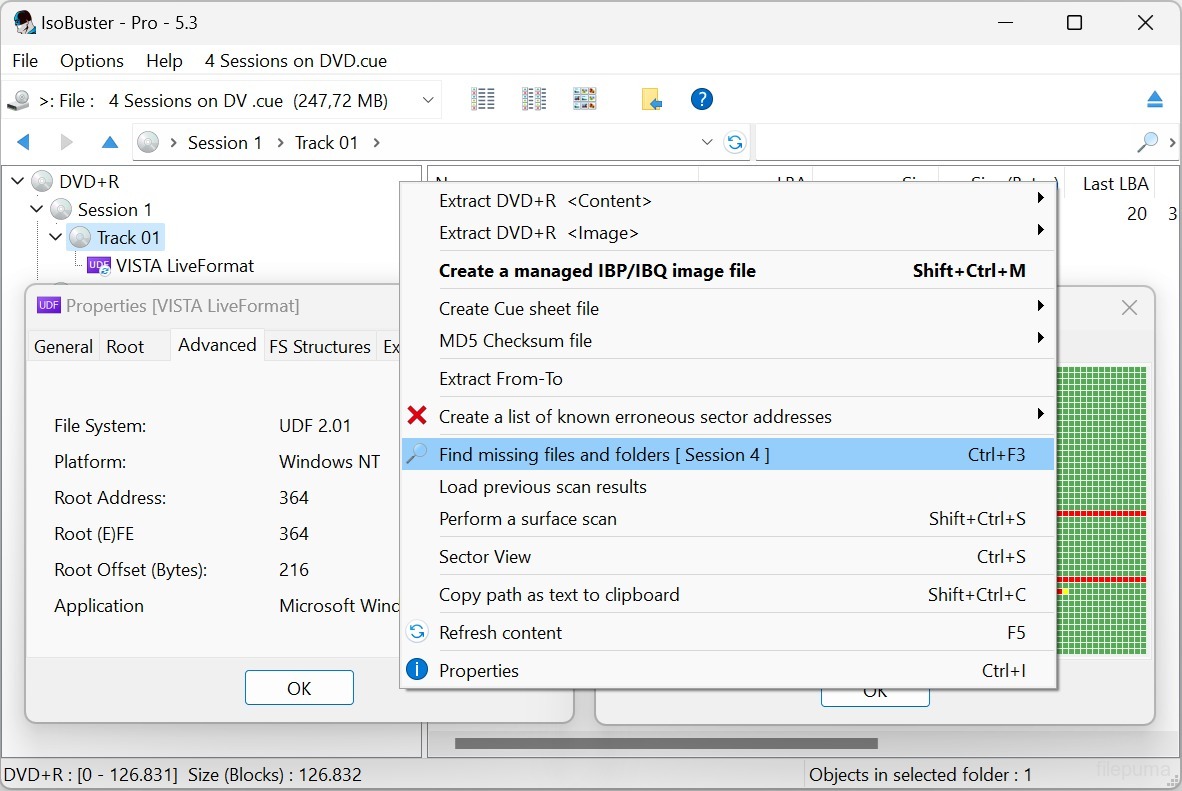


IsoBusterIsoBuster هو أداة برمجية متعددة الاستخدامات مصممة لاستعادة البيانات من أنواع مختلفة من الأقراص الضوئية ووسائط التخزين. بفضل واجهته سهلة الاستخدام ووظائفه القوية، أصبح IsoBuster حلاً شائعًا للأفراد والمحترفين الذين يتعاملون مع استعادة البيانات.
سواء قمت بحذف الملفات عن طريق الخطأ أو قمت بتهيئة قرص ما أو واجهت خطأ في القراءة، يمكن أن يساعدك IsoBuster في استعادة المعلومات القيمة من الأقراص المضغوطة وأقراص DVD وBlu-ray ومحركات USB وبطاقات الذاكرة وغير ذلك. يدعم مجموعة واسعة من أنظمة الملفات، بما في ذلك ISO9660 وUDF وFAT وNTFS وHFS، مما يجعله متوافقاً مع أي قرص أو جهاز تقريباً.
يتميز IsoBuster بقدرته على التعامل مع الوسائط التالفة أو المعطوبة. يستخدم خوارزميات متقدمة لاستعادة البيانات من الأقراص المخدوشة أو القابلة للقراءة جزئيًا أو حتى الغير قابلة للقراءة تمامًا. من خلال فحص القطاعات وتحليل توقيعات الملفات، يمكن لـ IsoBuster إعادة بناء الملفات والمجلدات التي قد يعتبرها برامج أخرى غير قابلة للاسترجاع.
يوفر البرنامج أيضًا مجموعة من الميزات الإضافية، مثل إنشاء ملفات الصور من الأقراص، استخراج المسارات الصوتية، والتحقق من سلامة البيانات. يقدم استكشافًا مفصلًا لنظام الملفات، مما يسمح للمستخدمين بتصفح واستخراج ملفات أو مجلدات فردية من الوسائط الضوئية الخاصة بهم.
بفضل توافقه الواسع، وقدراته القوية على الاستعادة، ومجموعته الشاملة من الميزات، يُعَد IsoBuster أداة لا غنى عنها لأي شخص يتعامل مع فقدان البيانات أو الوسائط التالفة. يواصل التطور والتكيف مع مشهد تقنيات التخزين المتغير، مما يجعله خيارًا موثوقًا لاحتياجات استعادة البيانات.
الميزات الرئيسية:
- استعادة البيانات من الوسائط الضوئية التالفة.
- دعم لأنظمة الملفات المختلفة.
- استخراج الملفات والمجلدات الفردية من الأقراص غير القابلة للوصول.
- إنشاء ملفات صور (ISO، BIN، IMG).
- تحميل ملفات الصورة كأقراص افتراضية.
- المسح السطحي لتقييم حالة القرص.
- دعم متعدد اللغات.
- التوافق مع الأقراص المدمجة والدي في دي وبلو راي وHD DVD وSSD ومحركات USB وبطاقات الذاكرة.
- واجهة سهلة الاستخدام للتنقل واستعادة البيانات بسهولة.
ما الجديد؟
- Support for the Linux EXT file system
- Support for Rimage mastered CD/DVD discs with manifest file
- Support for Nintendo GameCube file system
- Support for GEMDOS / Atari - ST FAT12-16 variant
- Support for High Sierra on CD-ROM (the predecessor to ISO9660)
- Implemented internal device caching, especially used during File System recognition. Many file systems start from similar addresses. Caching avoids having to re-read blocks for every file-system that is checked
- Detect if the Nintendo Wii file system is present and show an icon for it (*)
- Detect if the Linux RomFS file system is present and show an icon for it (*)
- Detect if the Unix/Linux JFS file system is present and show an icon for it (*)
- Detect if the Unix/Linux ZFS file system is present and show an icon for it (*)
- Detect if the Unix/Linux Minix file system is present and show an icon for it (*)
- Detect if the Linux BtrFS file system is present and show an icon for it (*)
- Detect if the Linux SquashFS file system is present and show an icon for it (*)
- Detect if the Linux CramFS file system is present and show an icon for it (*)
- Detect if the Linux BeFS (BFS) file system is present and show an icon for it (*)
- Detect if the Microsoft ReFS file system is present and show an icon for it (*)
- New and much faster way to find deleted files and folders in an NTFS file system
- (*) Full exploration of this file system is not implemented but now an investigator can see if it is present
- Extra tests to make sure a child folder doesn't have subfolders that are a parent folder, creating circular links, in buggy or recovered file systems
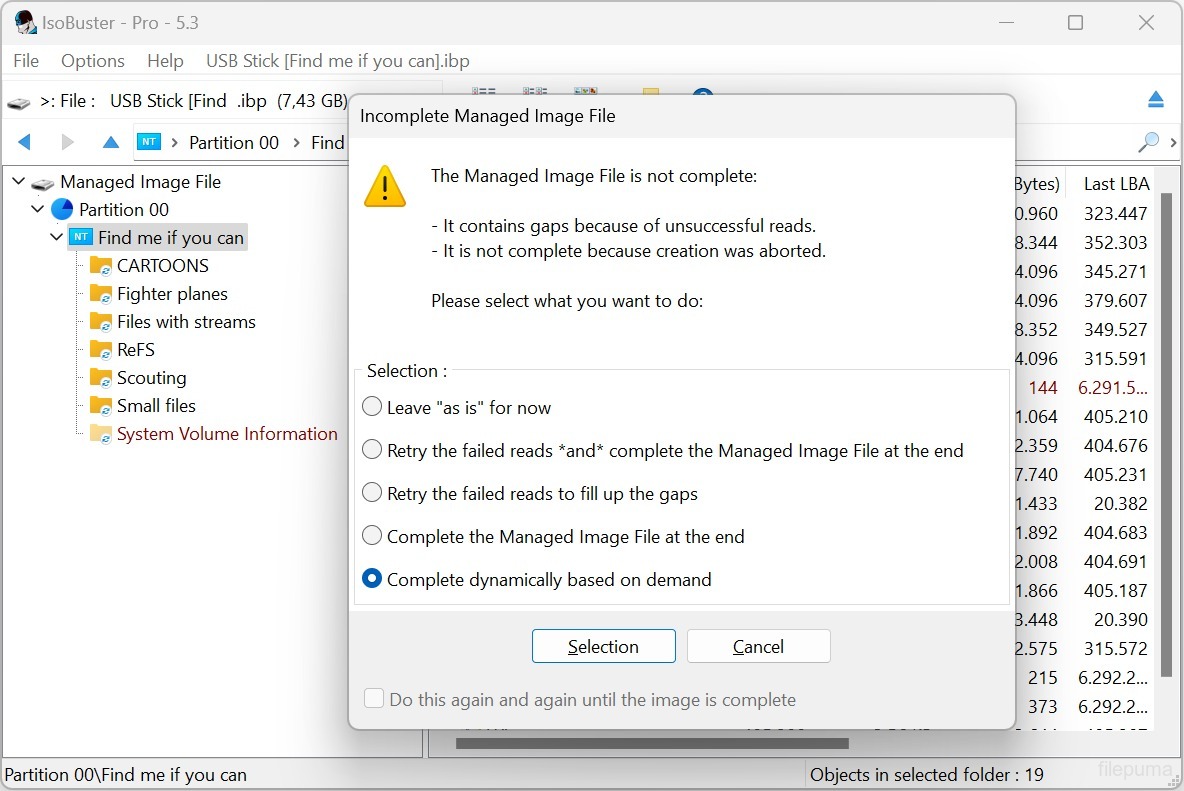
- Added a 'Paranoid mode' when creating managing IBP/IBQ image files, to make sure all data is flushed to the destination without system caching, and structures are updated regularly
- Allow to complete a managed image file from media of which the layout doesn't fully match, but the risk is manageable [Professional]
- Allow to complete a managed image file from another non-managed image file [Professional]
- Improved speed when updating the IBP managed image file
- Added various extraction type switches via the command line: /ET: A, IBP, WAV, RAW, R2U, RUN, DLL
- Added new file system switches via the command line: /EF: see the various newly implemented file systems
- Added Pinnacle Studio mastered DVDs to the IFO/VOB recognition sequence ("PCLE UDFLib")
- Added ability (via right mouse click) to see the properties-window-text as text in a memo field (for easy copy and paste)
- Support for underscores in function names in the libewf.dll, so that Borland bcc32 built dlls can be used as well
- Always display FileName:StreamName, with or without [ADS] appended, for NTFS Alternate Data Streams
- Removed registration dialog nag when doing a surface scan on BD media
- Improvements in the Extract From-To functionality, dialog and warnings
- Make sure testing for encrypted partitions only happens once, not every time the visual node is created (e.g. when switching devices in GUI)
- Do not read extra blocks to test for partition encryption if there are enough cached blocks
- Updated the 'Agent' string when doing an online query, to check for a new version, to be more compatible with modern servers and systems
- Reverse the order of AVDP parsing, LBA 512 first rather than 256 first, in case of a CeQuadrat made UDF disc, to deal with CeQuadrat UDF bugs
- Get the proper volume name for CeQuadrat made UDF CD-R discs
- After an image file has been made, save its filename to the recently opened image files, so that it can be opened immediately from the recent image files' list
- Improved .GI image file interpretation, specifically improvements in finding the header size
- Show files and folders with the System property in another color
- Show special files, file entries that are not used in the classical way by Unix/Linux file systems, in another color
- Show Windows overlay icons and add the shortcut overlay icon to EXT symbolic link files
- Added checkbox to options to uncheck using CD-Text in filenames, when audio tracks are extracted
- The file-exists dialog now also allows to auto-rename a file, instead of over-writing or ignoring the file (non-Windows file systems allow duplicate but caps-sensitive names in the same folder)
- New dialog to auto-rename filenames that are illegal in Windows but OK in other non-Windows file systems
- Auto-rename folders, during extraction, when they contain illegal Windows-filename characters or a Windows-reserved file/folder name.
- Show Endianess in UFS, XFS, ISO and SquashFS and other File System properties
- Improvements in drag&drop functionality and the use of the temporary folder. Better clean-up afterwards
- Possibility to always get the RETRY SELECT ABORT error dialog (instead of RETRY OMIT ABORT) on file extraction
- Various improvements, changes and re-writes in the core code / engine, as this is a living project and to deal with the ever growing new functionality
- Various GUI improvements
Fixes:
- Fixed GUI issue that caused incorrect values to be displayed in certain error messages
- Fixed possible hang when EWF image files are loaded
- Fixed that sometimes the sanitizing part after finding missing files and folders on a FAT volume could take 'forever', due to bad FAT records
- Fixed data-corruption issue, introduced in 3.5, while extracting files with more than 10 extents (fragments would be extracted in the wrong order)
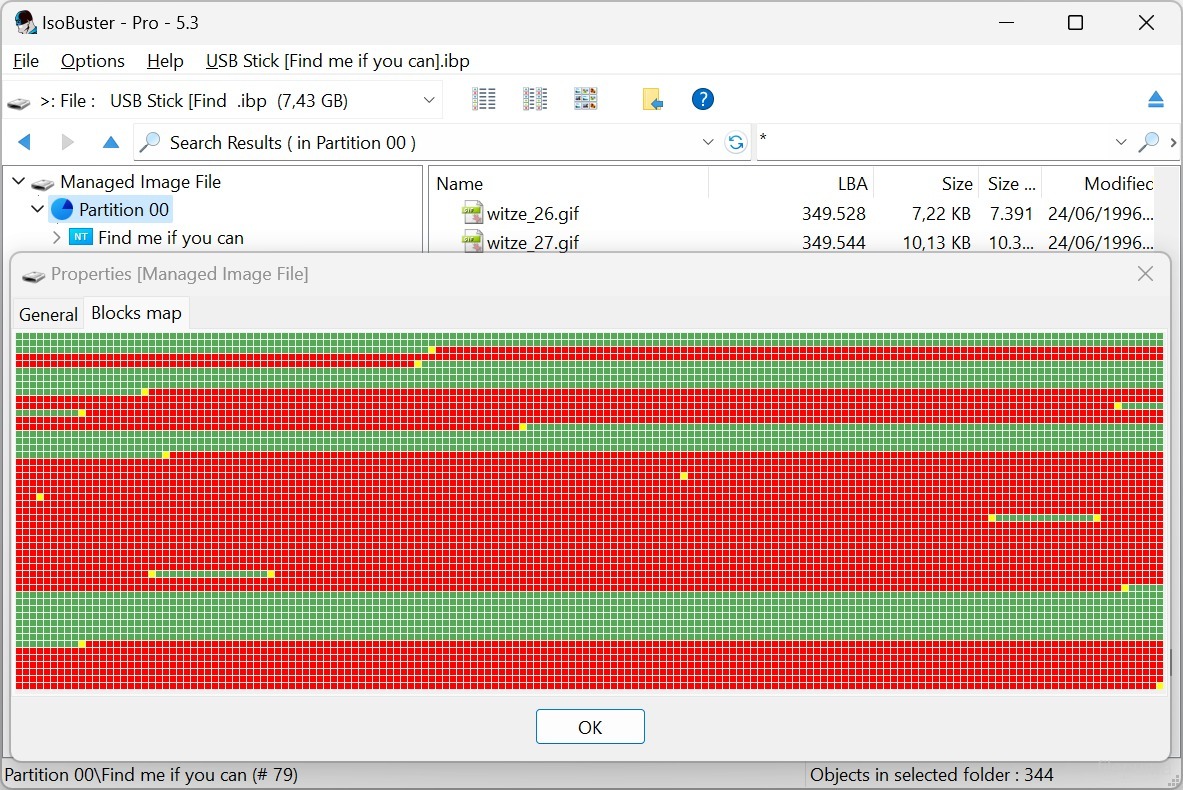
- Fixed it so that when an IBP/IBQ is made twice in a row from the same media (without a refresh) the bitmap is still fully written out to the IBP
- Avoid exception error on bad IBP without (enough) bitmap data (rare test case)
- Fixed extraction of named streams of an NTFS folder (not file)
البرنامج متوفر بلغات أخرى
- Download IsoBuster (32bit)
- Télécharger IsoBuster (32bit)
- Herunterladen IsoBuster (32bit)
- Scaricare IsoBuster (32bit)
- ダウンロード IsoBuster (32bit)
- Descargar IsoBuster (32bit)
- Baixar IsoBuster (32bit)
مراجعات المستخدمين
تقييم المستخدم
 27
27
رخصة:
تجربة مجانية
متطلبات:
Windows 2000 SP4/ 2003/ XP/ Vista/ Windows 7/ Windows 8
اللغات:
Multi-languages
حجم:
3.9MB
ناشر:
محدث:
Jun 23, 2015
نظيف
برنامج التقارير
أحدث إصدار
إصدارات قديمة
 IsoBuster (32bit) 5.8
 IsoBuster (64bit) 5.8
 WinRAR (64bit) 7.23
 7-Zip (64bit) 26.05
 WinRAR (32bit) 7.01
 7-Zip (32bit) 26.05
 Google Drive 133.0.2.0
مستويات الأمان
لتجنب أي ضرر محتمل لجهازك وضمان أمان بياناتك وخصوصيتك، تقوم فريقنا بالتحقق في كل مرة يتم فيها رفع ملف تثبيت جديد على خوادمنا أو ربطه بخادم بعيد، كما يتم مراجعة الملف بشكل دوري لتأكيد حالته أو تحديثها. استنادًا إلى هذه العملية، نحدد مستويات الأمان التالية لأي ملفات قابلة للتنزيل.
 نظيف
نظيف
من المرجح جدًا أن يكون هذا البرنامج خاليًا من الفيروسات.
لقد قمنا بفحص الملفات وعناوين URL المرتبطة بهذا البرنامج في أكثر من 60 من خدمات مكافحة الفيروسات الرائدة في العالم؛ ولم يتم العثور على أي تهديدات محتملة. ولا يوجد أي برنامج طرف ثالث مُدمج.
 تحذير
تحذير
هذا البرنامج مدعوم بإعلانات وقد يقدم عرضًا لتثبيت برامج طرف ثالث غير مطلوبة. قد تشمل هذه برامج شريط الأدوات، أو تغيير الصفحة الرئيسية، أو محرك البحث الافتراضي، أو تثبيت برامج أخرى. قد تكون هذه نتائج إيجابية زائفة، وينصح مستخدمونا بأن يكونوا حذرين عند تثبيت واستخدام هذا البرنامج.
 معاق
معاق
هذا البرنامج لم يعد متاحًا للتنزيل. من المحتمل جدًا أن يكون هذا البرنامج ضارًا أو يحتوي على مشكلات أمان أو أسباب أخرى.
قدّم تقريراً
شكراً لك!
تم إرسال تقريرك.
سوف نراجع طلبك ونتخذ الإجراء المناسب.
يرجى ملاحظة أنك لن تتلقى إشعارًا بشأن أي إجراء يُتخذ نتيجةً لهذا التقرير. نعتذر عن أي إزعاج قد يسببه ذلك.
نُقدّر مساعدتك في الحفاظ على موقعنا الإلكتروني نظيفًا وآمنًا.