
Looking for a free Mac cleaner? Try diCleaner

Paint.NET4.0 Beta
 免费下载
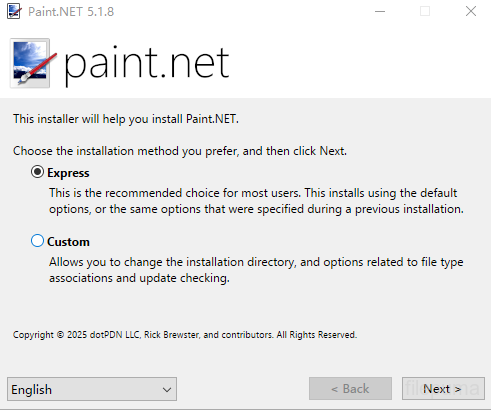
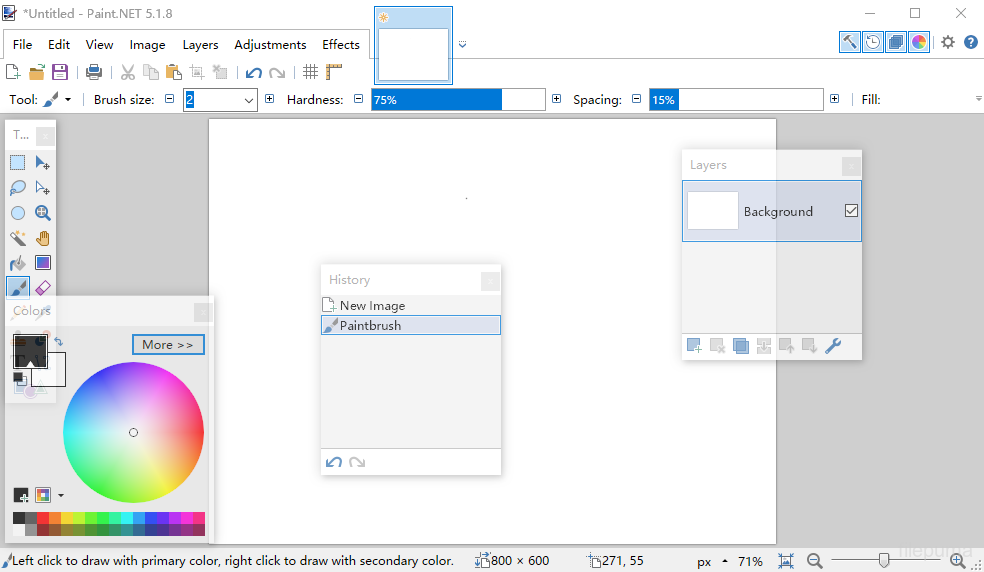
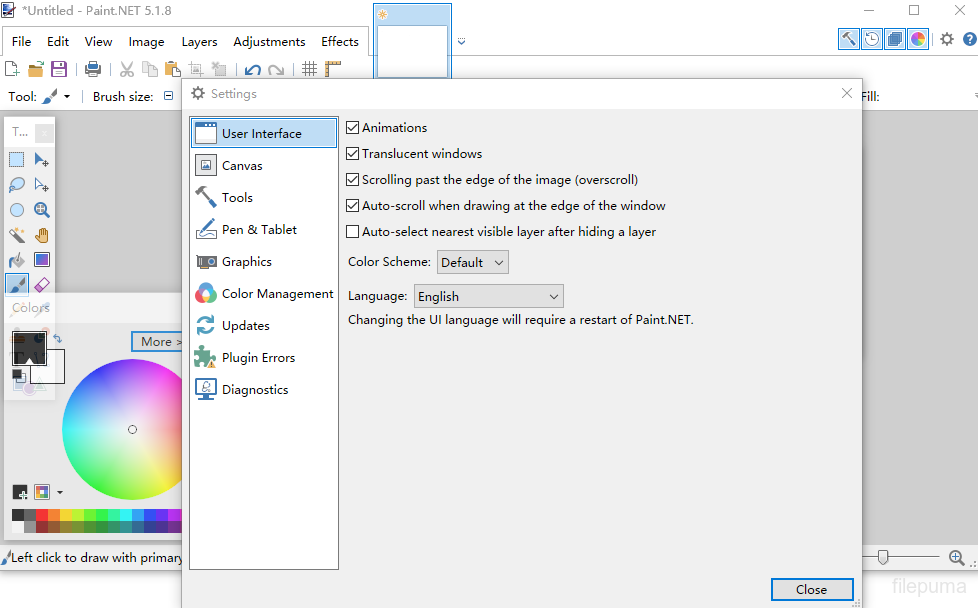


Paint.NET是一款为运行Windows的计算机设计的免费图像和照片编辑软件。它提供了一个简洁直观的界面,使用户能够快速学习并轻松开始编辑图像。最初作为一个大学项目开发,现已发展成为一个维护良好、备受尊敬的应用程序,由强大的在线社区支持。
Paint.NET支持图层,使用户能够精确管理复杂的合成。标准编辑功能如裁剪、调整大小和旋转可用,还有更高级的功能,如曲线调整、混合模式和各种艺术效果。这些工具帮助用户高效地增强照片或创建数字艺术作品。
Paint.NET支持多种图像格式,包括JPEG、PNG、BMP,甚至通过插件支持Photoshop PSD文件。其插件系统允许用户通过添加新的效果、调整和文件类型来扩展功能,使其适应不同的创意工作流程。
背后的社区Paint.NET积极开发教程、插件和扩展,为软件的持续改进做出贡献。通过定期更新和轻量化的安装,提供了响应迅速的编辑体验,而无需高硬件要求。aint.NET是那些寻找可靠且简单的图像编辑器的人的一个稳固选择。
关键功能:
- 用户友好的界面:简洁、干净且直观的布局,易于使用。
- 图层支持:允许通过图层进行高级图像合成,类似于Photoshop。
- 强大的工具:包括选择、移动、缩放、渐变、克隆图章和文字工具。
- 特效:提供模糊、锐化、去红眼、变形和浮雕等效果。
- 无限历史记录:通过可视化历史窗口为错误恢复提供无限撤销。
- 插件支持:通过社区创建的插件扩展滤镜、效果和工具的功能。
- 活跃社区:通过大型用户论坛获取教程、插件下载和支持。
- 快速性能:即使在普通硬件上也经过优化,以实现速度和性能。
- 定期更新:经常更新以修复漏洞、添加新功能和改进。
有什么新鲜事
Version 4.0 Beta
- Added a "Finish" (aka commit) button in the toolbar. It looks like a green check mark. This makes it much easier to discover how you finish a shape and then draw another one, for instance. Most of the non-brush tools support this (e.g. Move, Gradient, Magic Wand, Paint Bucket, Text).
- Added a choice between Light and Blue color schemes to Settings. The default on Windows 8/8.1 is Light, and the default on Windows 7 is Blue.
- Fixed some artifacts in the Magic Wand when making a "Global" selection
- Fixed a crash in the Magic Wand tool that was causing people a lot of grief ("this.baseGeometry == null")
- Fixed a crash in various tools (crash in ClickDragBehavior.cs line 270)
- Fixed brush strokes being completely erratic over Remote Desktop
- Fixed some very broken UI rendering over Remote Desktop with Windows 8
- The icons in the top-right of the main window are now scaled correctly for high-DPI
- Fixed a crash if you clicked to undo multiple actions after committing a shape
- Fixed some performance issues whereby non-active images were still rendering stuff in the background
- Fixed many tools emitting a history item even if the image was unaffected (e.g. drawing a brush stroke outside of the canvas)
- Fixed a leftover progress bar in the status bar after loading an image
- Fixed Ctrl+Arrow keys not moving the selection by 10 pixels (it only moved by 1 px) if you didn't first release the Ctrl key after you pasted with Ctrl+V
- Removed the dangling "Tool:" tooltip on the Tool selection button in the toolbar
- Fixed a crash when the language was changed if the new language's localized "paint.net User Files" folder already existed
- Fixed the dash style button in the toolbar being too skinny at 96 DPI (it worked fine at >96 DPI)
- Fixed the main window's application icon being off by 2 pixels
- Fixed Ctrl+D reverting selection movement if it was pressed too quickly after using the arrow keys
- Fixed some missed thumbnail updates, especially for the Layers window
- Fixed the Width/Height text boxes in the toolbar for Fixed Selection not having an outline around them
- Fixed a visual styles related crash on some buttons in some cases
- Fixed the main installer not running after the .NET 4.5.1 installer if it required a reboot
- Fixed the installer seeming to disappear if there wasn't enough disk space to install .NET 4.5.1
- Shapes no longer finish/commit if you press the delete key
- Non-active images no longer update their thumbnails when you make changes in another image which affect them (e.g. if you leave an uncommited shape on image 1, then switch to image 2 and change the color)
- Fixed a crash in the Text tool if you try to use a "bad" font (one which shows up in the font list as a yellow exclamation mark)
该程序可提供其他语言版本。
- Download Paint.NET
- Télécharger Paint.NET
- Herunterladen Paint.NET
- Scaricare Paint.NET
- ダウンロード Paint.NET
- Descargar Paint.NET
- Baixar Paint.NET
用户评论
用户评分
 224
许可证:
免费
要求:
Windows 7 / Windows 8/ Windows 8.1
语言:
Multi-languages
尺寸:
5.8MB
出版商:
已更新:
Feb 12, 2014
清洁
报告软件
最新版本
旧版本
开发者软件
 Paint.NET 5.2
 FastStone Image Viewer 8.5
 XnView 2.52.7
 Picasa 3.9 Build 141 259
 IrfanView (32bit) 4.76
安全级别
为了避免对您的设备造成潜在危害,并确保您的数据和隐私的安全,我们团队在每次新的安装文件上传到我们的服务器或链接到远程服务器时都会进行检查,并定期审查该文件以确认或更新其状态。基于这些检查,我们为所有可下载文件设置了以下安全级别。
 清洁
这个软件程序很可能是干净的。
我们在全球60多款领先的 antivirus 服务中扫描了与该软件程序相关的文件和 URL;没有发现任何潜在威胁。同时也没有捆绑任何第三方软件。
 警告
该程序是由广告支持的,可能会提供安装不必要的第三方程序。这些程序可能包括工具栏、更改主页、默认搜索引擎或安装其他第三方程序。这些可能是误报,我们建议用户在安装和使用该软件时要小心。
 残疾人
该软件不再提供下载。该软件程序很可能是恶意的,或者存在安全问题或其他原因。
提交报告
谢谢!
您的报告已发送。
我们将审核您的请求并采取适当的措施。
请注意,您将不会收到有关此报告所采取任何行动的通知。对于可能造成的任何不便,我们深表歉意。
我们感谢您帮助保持我们网站的整洁和安全。