

SyncBackFree7.3.3.0
 免费下载
免费下载
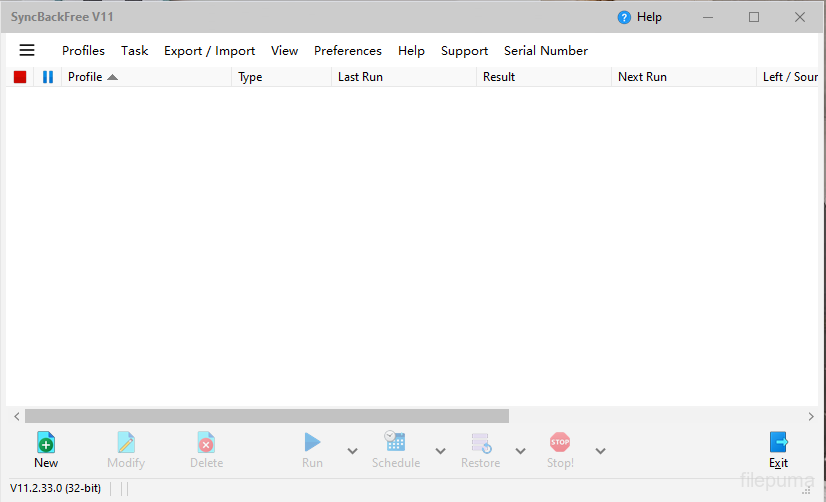
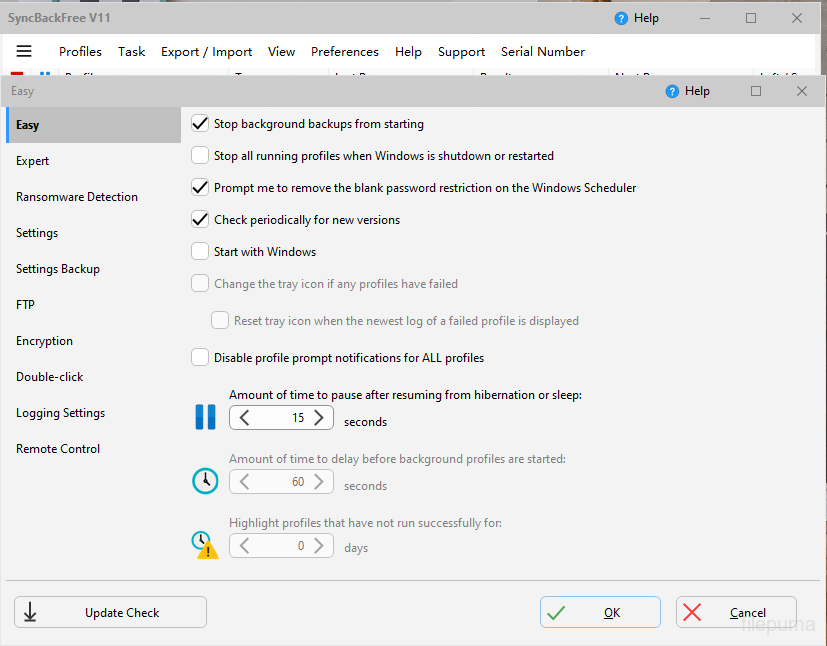
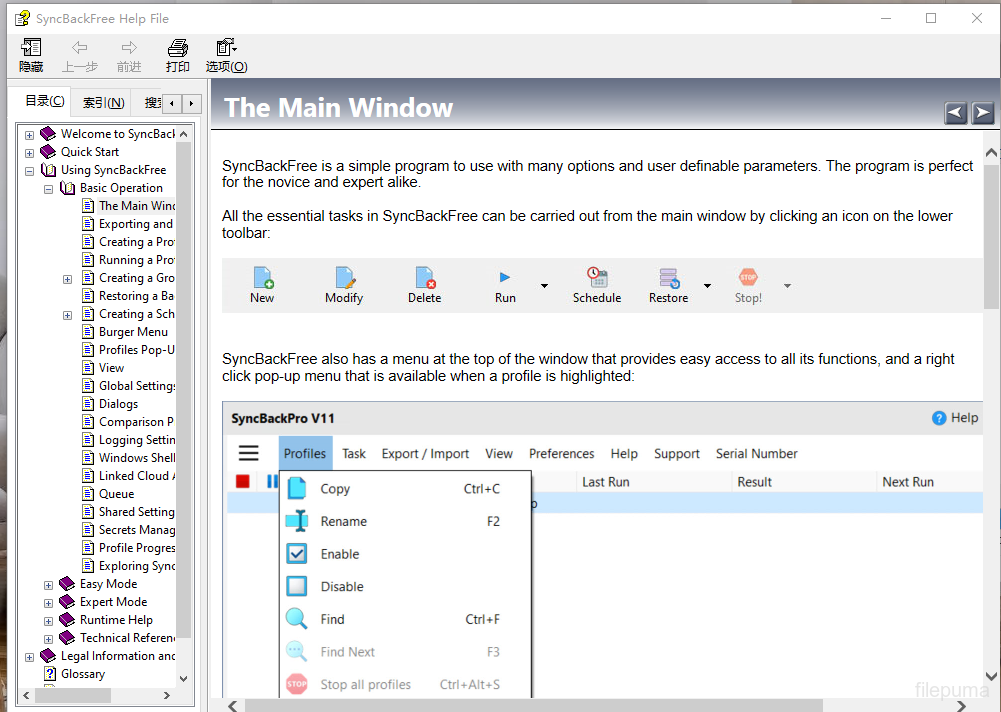
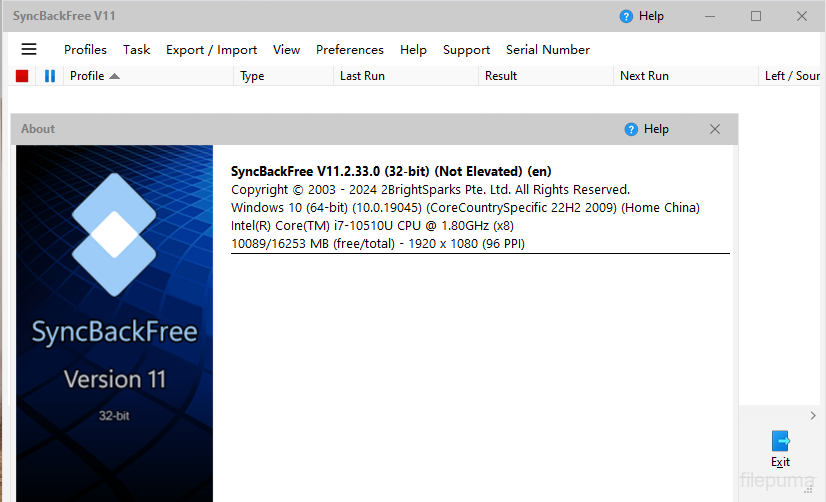
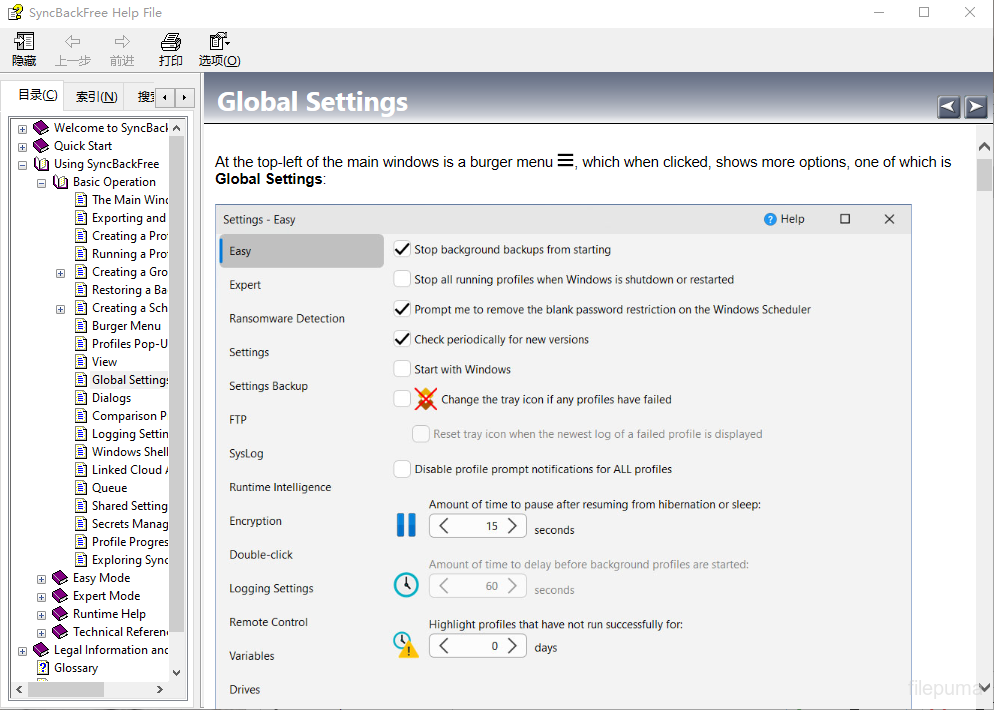


SyncBackFree是一款功能强大且可靠的备份和同步软件,允许用户以简单高效的方式备份和同步他们的文件和文件夹。使用SyncBackFree,用户可以快速轻松地创建重要文件和文件夹的备份,并在多个设备或位置之间同步他们的文件。
SyncBackFree 的一个关键特性是其灵活性。该软件允许用户以多种方式自定义备份和同步任务,例如设置特定的计划,选择要包含或排除的文件和文件夹,甚至设置过滤器以包含或排除某些文件类型或大小。
SyncBackFree的另一个优秀功能是其用户友好的界面。该软件易于导航,拥有清晰简洁的菜单和选项,使用户可以轻松设置和管理备份和同步任务。此外,该软件提供关于每个备份和同步作业的详细报告,因此用户可以快速轻松地查看已备份或同步的内容以及可能发生的任何错误或问题。
SyncBackFree 也具有高度的可定制性,提供多种高级选项,允许用户根据自己的具体需求微调备份和同步设置。例如,用户可以设置电子邮件通知,以在备份或同步任务完成时提醒他们,或者他们可以使用 FTP 或 SFTP 将文件传输到远程位置。
SyncBackFree 是一款出色的备份和同步软件,非常适合需要可靠且灵活的解决方案来备份和同步文件和文件夹的用户。无论您是希望备份个人文件的家庭用户,还是需要强大备份和同步解决方案的商业用户,SyncBackFree 都值得考虑。
关键功能:
- 文件和文件夹的备份与同步
- 用户友好的界面配有实用的向导
- 可定制的备份配置文件以满足特定需求
- 自动任务的高级调度选项
- 文件和文件夹过滤以排除不必要的数据
- 支持流行的云存储服务
- 免费版本提供基本功能
有什么新鲜事
- Fixed: FTP help file page was missing text
- Fixed: Decision on what to do if files same was not being used unless hashing comparison was also enabled
- Fixed: Being able to go Back on restore wizard when nothing to go back to
- Fixed: Renaming a profile may not always update the schedule
- Fixed: Using a key file for encryption of the settings
- Fixed: Memory leak when selecting files and folders in profile configuration
- Updated: If an absolute path is entered into filters then it is left unchanged
- Updated: When scheduling a profile that uses mapped drives by default the schedule is set to use a password
- Updated: Performance improvements when FTP server does not support SIZE command
- Updated: Choosing a version in Differences window now displays a pop-up window to choose version
- Updated: Getting and setting file and folder security improved to reduce chance of access denied error
- Updated: Main page of log file will show username used for UNC connection if connecting as default user
- Updated: Non-critical error recorded if NTFS security cannot be retrieved for a file or folder
- Updated: Can use wildcards for When->Insert settings
- Updated: Will detect if copying compressed versions and will rename the uncompressed version so it is valid
- Updated: Default is now to automatically check for updates instead of prompting on second run
- Updated: Will not prompt user about visiting online tutorials when first run
- Updated: Will not prompt user for location of other SyncBack if it cannot be found when first run
- Updated: When making Windows network connection will check if can scan files to see if already connected
该程序可提供其他语言版本。
- Download SyncBackFree
- Télécharger SyncBackFree
- Herunterladen SyncBackFree
- Scaricare SyncBackFree
- ダウンロード SyncBackFree
- Descargar SyncBackFree
- Baixar SyncBackFree
用户评论
用户评分
 26
26
许可证:
免费
要求:
Windows XP/ Vista/ Windows 7/ Windows 8/ XP 64/ Vista 64/ Windows 7 64/ Windows 8 64
语言:
Multi-languages
尺寸:
13.6MB
出版商:
已更新:
Jul 20, 2015
清洁
报告软件
最新版本
旧版本
 SyncBackFree 12.1.6.0
 SyncBackPro 12.1.6.0
 Wise Data Recovery 6.2.2
 IZArc 4.6
 Beyond Compare 5.2.5
 FBackup 9.9.1044
安全级别
为了避免对您的设备造成潜在危害,并确保您的数据和隐私的安全,我们团队在每次新的安装文件上传到我们的服务器或链接到远程服务器时都会进行检查,并定期审查该文件以确认或更新其状态。基于这些检查,我们为所有可下载文件设置了以下安全级别。
 清洁
清洁
这个软件程序很可能是干净的。
我们在全球60多款领先的 antivirus 服务中扫描了与该软件程序相关的文件和 URL;没有发现任何潜在威胁。同时也没有捆绑任何第三方软件。
 警告
警告
该程序是由广告支持的,可能会提供安装不必要的第三方程序。这些程序可能包括工具栏、更改主页、默认搜索引擎或安装其他第三方程序。这些可能是误报,我们建议用户在安装和使用该软件时要小心。
 残疾人
残疾人
该软件不再提供下载。该软件程序很可能是恶意的,或者存在安全问题或其他原因。
提交报告
谢谢!
您的报告已发送。
我们将审核您的请求并采取适当的措施。
请注意,您将不会收到有关此报告所采取任何行动的通知。对于可能造成的任何不便,我们深表歉意。
我们感谢您帮助保持我们网站的整洁和安全。