
Looking for a free Mac cleaner? Try diCleaner

IsoBuster (32bit)3.6
 Gratis proefperiode
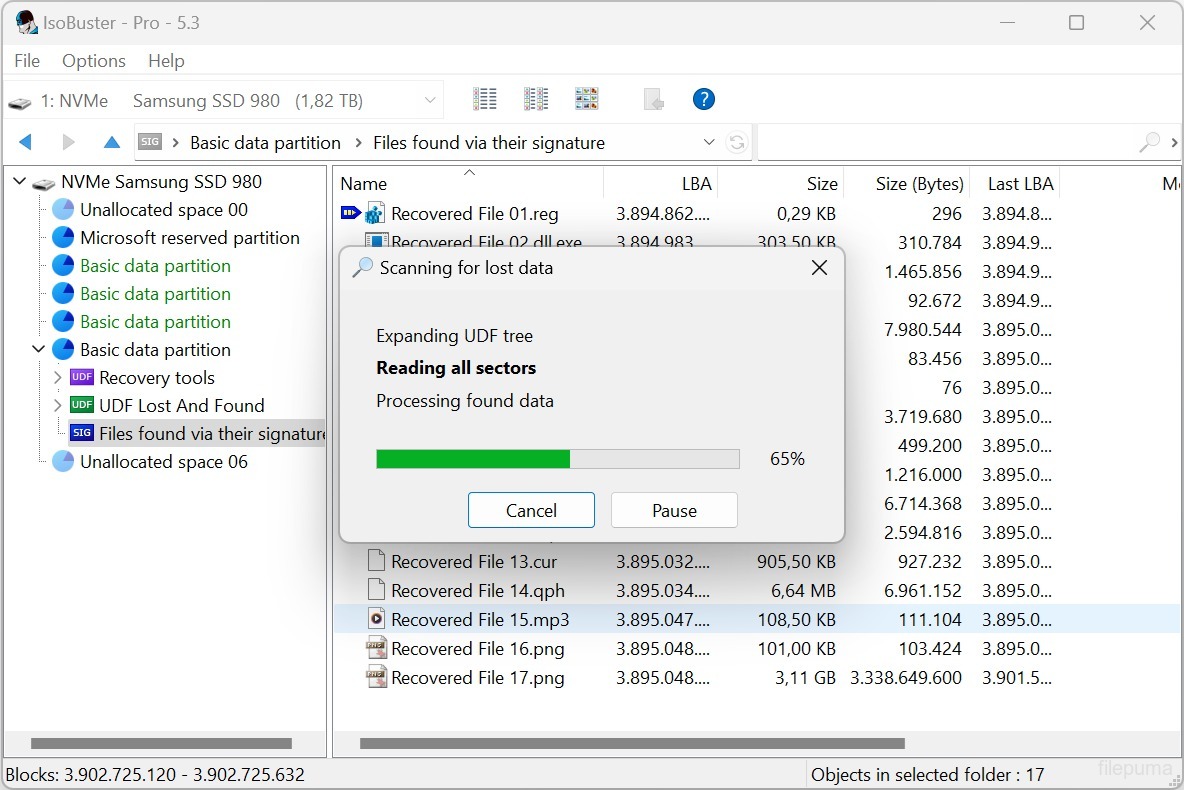
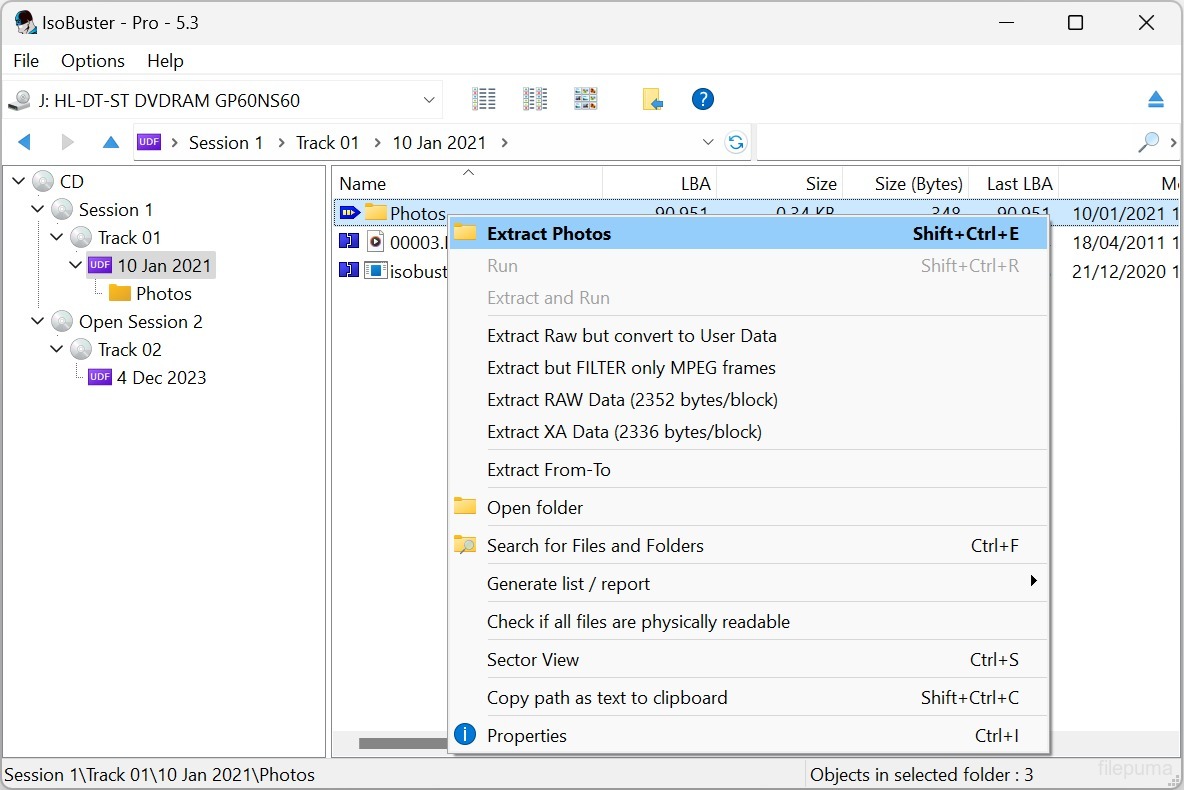
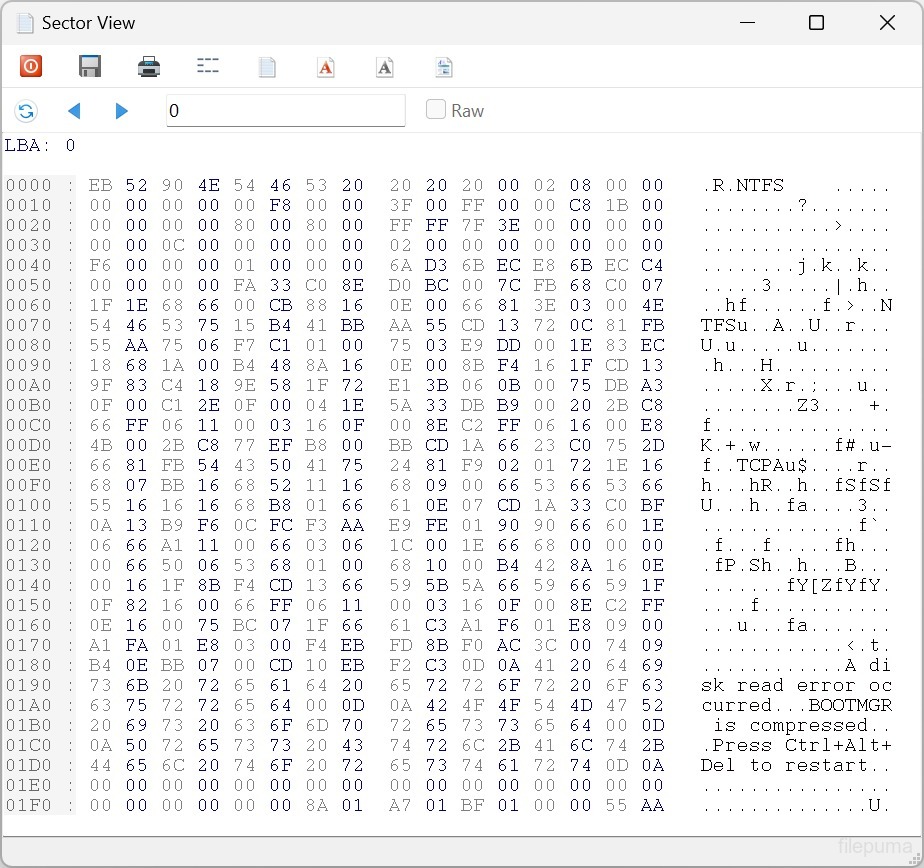
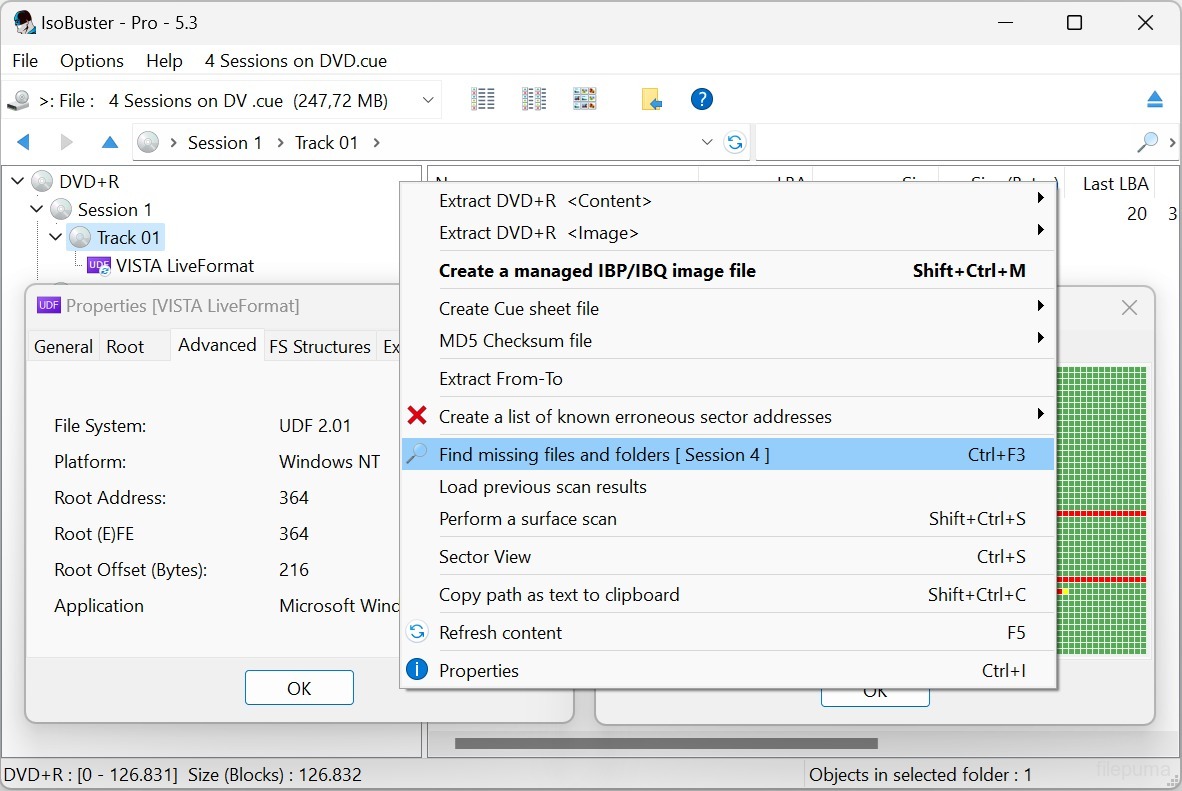
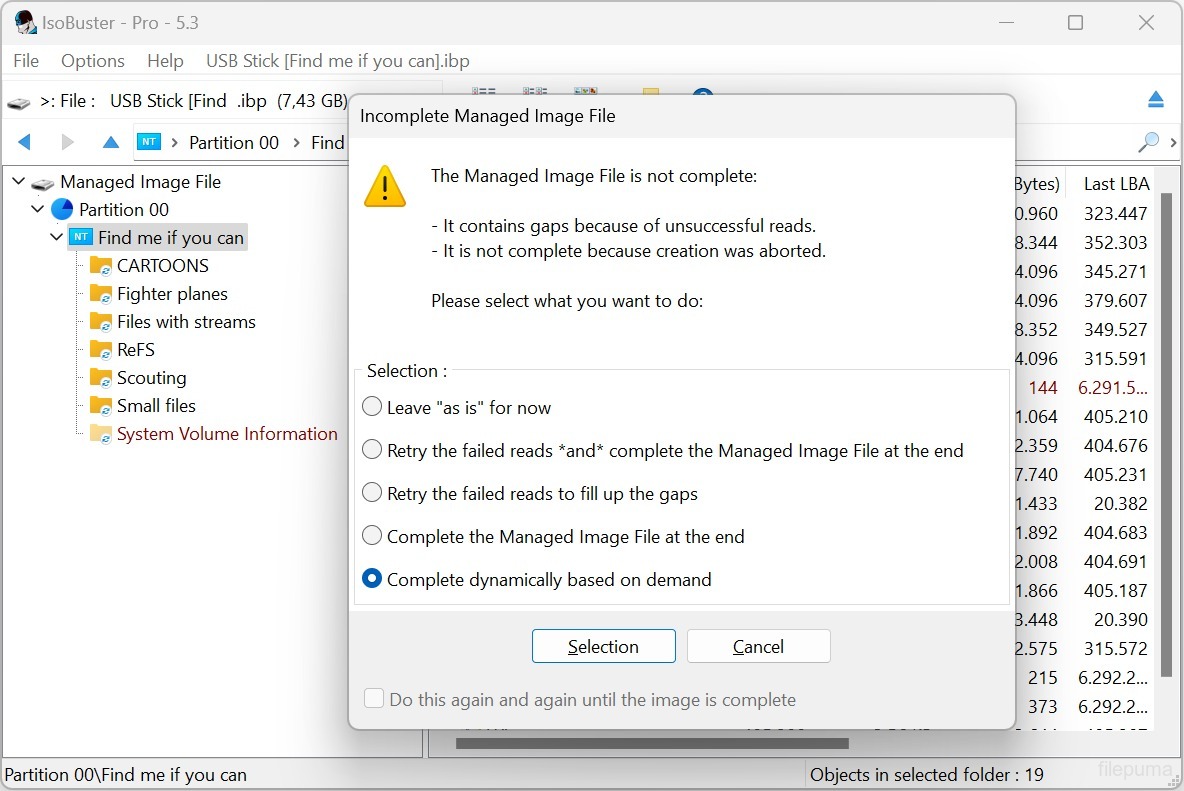
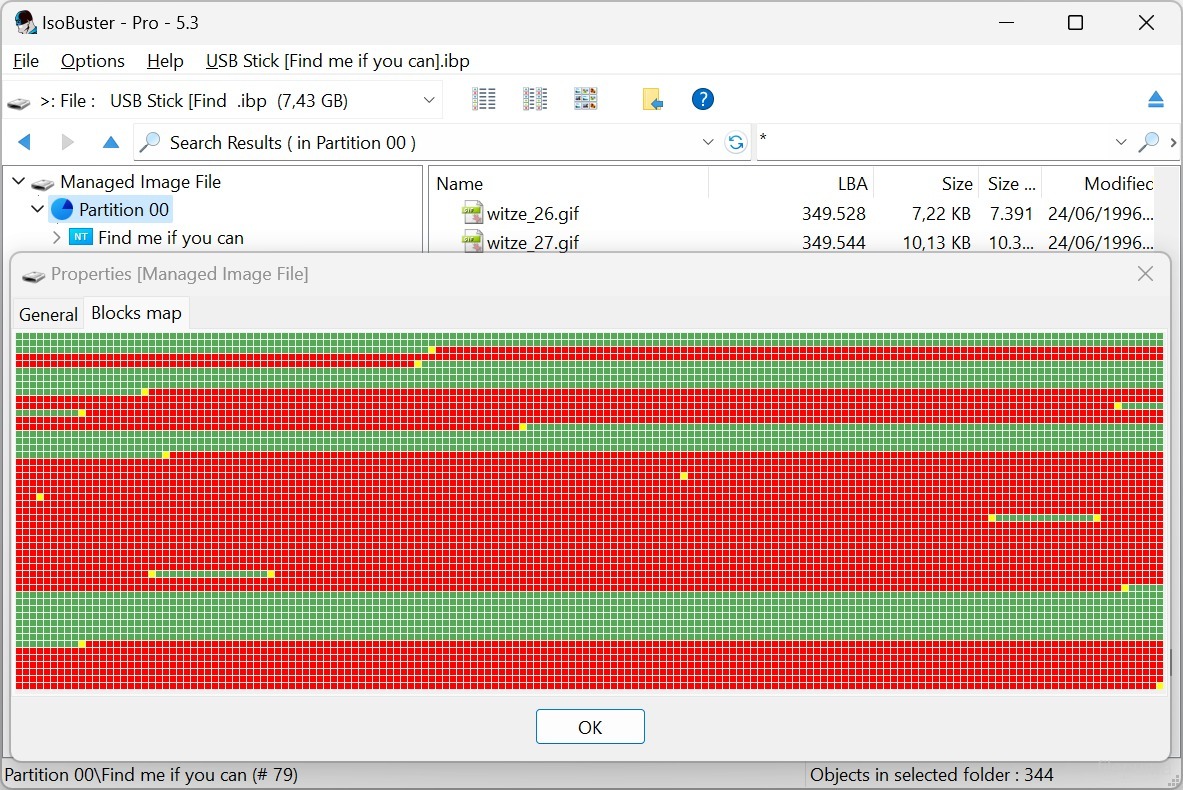


IsoBusteris een veelzijdig softwaretool dat is ontworpen om gegevens te herstellen van verschillende soorten optische schijven en opslagmedia. Met zijn gebruiksvriendelijke interface en krachtige functionaliteit is IsoBuster een populaire oplossing geworden voor zowel particulieren als professionals die zich bezighouden met gegevensherstel.
Of je nu per ongeluk bestanden hebt verwijderd, een schijf hebt geformatteerd of een leesfout tegenkwam, IsoBuster kan je helpen om waardevolle informatie van cd's, dvd's, Blu-rays, USB-drives, geheugenkaarten en meer te herstellen. Het ondersteunt een breed scala aan bestandssystemen, waaronder ISO9660, UDF, FAT, NTFS en HFS, waardoor het compatibel is met vrijwel elke schijf of apparaat.
IsoBuster blinkt uit in zijn vermogen om beschadigde of corrupte media te verwerken. Het maakt gebruik van geavanceerde algoritmen om gegevens te herstellen van bekraste, gedeeltelijk leesbare of zelfs volledig onleesbare schijven. Door sectoren te scannen en bestandssignaturen te analyseren, kan IsoBuster bestanden en mappen reconstrueren die andere software mogelijk als onherstelbaar beschouwt.
De software biedt ook een reeks aanvullende functies, zoals het maken van afbeeldingsbestanden van schijven, het extraheren van audiotracks en het verifiëren van de integriteit van gegevens. Het biedt een gedetailleerde verkenning van het bestandssysteem, waardoor gebruikers individuele bestanden of mappen van hun optische media kunnen bekijken en extraheren.
Met zijn brede compatibiliteit, robuuste herstelmogelijkheden en uitgebreide set functies is IsoBuster een onmisbaar hulpmiddel voor iedereen die te maken heeft met gegevensverlies of beschadigde media. Het blijft zich ontwikkelen en aanpassen aan het veranderende landschap van opslagtechnologieën, waardoor het een betrouwbare keuze is voor gegevensherstelbehoeften.
Belangrijkste Kenmerken:
- Gegevensherstel van beschadigde optische media.
- Ondersteuning voor verschillende bestandssystemen.
- Extraheer individuele bestanden en mappen van ontoegankelijke schijven.
- Maak afbeeldingsbestanden (ISO, BIN, IMG).
- Mount afbeeldingsbestanden als virtuele schijven.
- Opppervlakte scannen om de toestand van de schijf te beoordelen.
- Meertalige ondersteuning.
- Compatibiliteit met cd's, dvd's, Blu-ray, HD DVD, SSD, USB-drives en geheugenkaarten.
- Gebruikersvriendelijke interface voor eenvoudige navigatie en gegevensherstel.
Wat is nieuw?
- Support for the Linux EXT file system
- Support for Rimage mastered CD/DVD discs with manifest file
- Support for Nintendo GameCube file system
- Support for GEMDOS / Atari - ST FAT12-16 variant
- Support for High Sierra on CD-ROM (the predecessor to ISO9660)
- Implemented internal device caching, especially used during File System recognition. Many file systems start from similar addresses. Caching avoids having to re-read blocks for every file-system that is checked
- Detect if the Nintendo Wii file system is present and show an icon for it (*)
- Detect if the Linux RomFS file system is present and show an icon for it (*)
- Detect if the Unix/Linux JFS file system is present and show an icon for it (*)
- Detect if the Unix/Linux ZFS file system is present and show an icon for it (*)
- Detect if the Unix/Linux Minix file system is present and show an icon for it (*)
- Detect if the Linux BtrFS file system is present and show an icon for it (*)
- Detect if the Linux SquashFS file system is present and show an icon for it (*)
- Detect if the Linux CramFS file system is present and show an icon for it (*)
- Detect if the Linux BeFS (BFS) file system is present and show an icon for it (*)
- Detect if the Microsoft ReFS file system is present and show an icon for it (*)
- New and much faster way to find deleted files and folders in an NTFS file system
- (*) Full exploration of this file system is not implemented but now an investigator can see if it is present
- Extra tests to make sure a child folder doesn't have subfolders that are a parent folder, creating circular links, in buggy or recovered file systems
- Added a 'Paranoid mode' when creating managing IBP/IBQ image files, to make sure all data is flushed to the destination without system caching, and structures are updated regularly
- Allow to complete a managed image file from media of which the layout doesn't fully match, but the risk is manageable [Professional]
- Allow to complete a managed image file from another non-managed image file [Professional]
- Improved speed when updating the IBP managed image file
- Added various extraction type switches via the command line: /ET: A, IBP, WAV, RAW, R2U, RUN, DLL
- Added new file system switches via the command line: /EF: see the various newly implemented file systems
- Added Pinnacle Studio mastered DVDs to the IFO/VOB recognition sequence ("PCLE UDFLib")
- Added ability (via right mouse click) to see the properties-window-text as text in a memo field (for easy copy and paste)
- Support for underscores in function names in the libewf.dll, so that Borland bcc32 built dlls can be used as well
- Always display FileName:StreamName, with or without [ADS] appended, for NTFS Alternate Data Streams
- Removed registration dialog nag when doing a surface scan on BD media
- Improvements in the Extract From-To functionality, dialog and warnings
- Make sure testing for encrypted partitions only happens once, not every time the visual node is created (e.g. when switching devices in GUI)
- Do not read extra blocks to test for partition encryption if there are enough cached blocks
- Updated the 'Agent' string when doing an online query, to check for a new version, to be more compatible with modern servers and systems
- Reverse the order of AVDP parsing, LBA 512 first rather than 256 first, in case of a CeQuadrat made UDF disc, to deal with CeQuadrat UDF bugs
- Get the proper volume name for CeQuadrat made UDF CD-R discs
- After an image file has been made, save its filename to the recently opened image files, so that it can be opened immediately from the recent image files' list
- Improved .GI image file interpretation, specifically improvements in finding the header size
- Show files and folders with the System property in another color
- Show special files, file entries that are not used in the classical way by Unix/Linux file systems, in another color
- Show Windows overlay icons and add the shortcut overlay icon to EXT symbolic link files
- Added checkbox to options to uncheck using CD-Text in filenames, when audio tracks are extracted
- The file-exists dialog now also allows to auto-rename a file, instead of over-writing or ignoring the file (non-Windows file systems allow duplicate but caps-sensitive names in the same folder)
- New dialog to auto-rename filenames that are illegal in Windows but OK in other non-Windows file systems
- Auto-rename folders, during extraction, when they contain illegal Windows-filename characters or a Windows-reserved file/folder name.
- Show Endianess in UFS, XFS, ISO and SquashFS and other File System properties
- Improvements in drag&drop functionality and the use of the temporary folder. Better clean-up afterwards
- Possibility to always get the RETRY SELECT ABORT error dialog (instead of RETRY OMIT ABORT) on file extraction
- Various improvements, changes and re-writes in the core code / engine, as this is a living project and to deal with the ever growing new functionality
- Various GUI improvements
Fixes:
- Fixed GUI issue that caused incorrect values to be displayed in certain error messages
- Fixed possible hang when EWF image files are loaded
- Fixed that sometimes the sanitizing part after finding missing files and folders on a FAT volume could take 'forever', due to bad FAT records
- Fixed data-corruption issue, introduced in 3.5, while extracting files with more than 10 extents (fragments would be extracted in the wrong order)
- Fixed it so that when an IBP/IBQ is made twice in a row from the same media (without a refresh) the bitmap is still fully written out to the IBP
- Avoid exception error on bad IBP without (enough) bitmap data (rare test case)
- Fixed extraction of named streams of an NTFS folder (not file)
Programma beschikbaar in andere talen
- Download IsoBuster (32bit)
- Télécharger IsoBuster (32bit)
- Herunterladen IsoBuster (32bit)
- Scaricare IsoBuster (32bit)
- ダウンロード IsoBuster (32bit)
- Descargar IsoBuster (32bit)
- Baixar IsoBuster (32bit)
Gebruikersbeoordelingen
Gebruikersbeoordeling
 27
27
Licentie:
Gratis proefperiode
Vereisten:
Windows 2000 SP4/ 2003/ XP/ Vista/ Windows 7/ Windows 8
Talen:
Multi-languages
Grootte:
3.9MB
Uitgever:
Bijgewerkt:
Jun 23, 2015
Schoon
Rapportsoftware
Nieuwste versie
Oude versies
 IsoBuster (32bit) 5.8
 IsoBuster (64bit) 5.8
 WinRAR (64bit) 7.23
 7-Zip (64bit) 26.03
 WinRAR (32bit) 7.01
 7-Zip (32bit) 26.03
 Google Drive 130.0.2.0
Beveiligingsniveaus
Om eventuele schade aan uw apparaat te voorkomen en de veiligheid van uw gegevens en privacy te waarborgen, controleert ons team elke keer wanneer een nieuw installatiebestand naar onze servers wordt geüpload of aan een externe server wordt gekoppeld, en beoordeelt het bestand periodiek om de status te bevestigen of bij te werken. Op basis van deze controles stellen we de volgende veiligheidsniveaus in voor alle downloadbare bestanden.
 Schoon
Het is zeer waarschijnlijk dat dit softwareprogramma schoon is.
We hebben bestanden en URL's die aan dit softwareprogramma zijn gekoppeld gescand in meer dan 60 van 's werelds toonaangevende antivirusdiensten; er zijn geen mogelijke bedreigingen gevonden. En er is geen software van derden gebundeld.
 Waarschuwing
Dit programma wordt ondersteund door advertenties en kan aanbieden om programma's van derden te installeren die niet vereist zijn. Dit kan een werkbalk, het wijzigen van je startpagina, de standaard zoekmachine of het installeren van andere programma's van derden omvatten. Dit kunnen valse positieven zijn, en onze gebruikers worden aangeraden voorzichtig te zijn bij het installeren en gebruiken van deze software.
 Gehandicapt
Deze software is niet langer beschikbaar voor download. Het is zeer waarschijnlijk dat dit softwareprogramma kwaadwillig is of veiligheidsproblemen of andere redenen heeft.
Dien een rapport in
Dank je wel!
Je rapport is verstuurd.
We zullen uw verzoek beoordelen en passende maatregelen nemen.
Houd er rekening mee dat u geen notificatie zult ontvangen over enige actie die is ondernomen vanwege dit rapport. Onze excuses voor het ongemak dat dit kan veroorzaken.
We waarderen je hulp bij het schoon en veilig houden van onze website.