
Looking for a free Mac cleaner? Try diCleaner

IsoBuster (32bit)3.6
 Ücretsiz Deneme
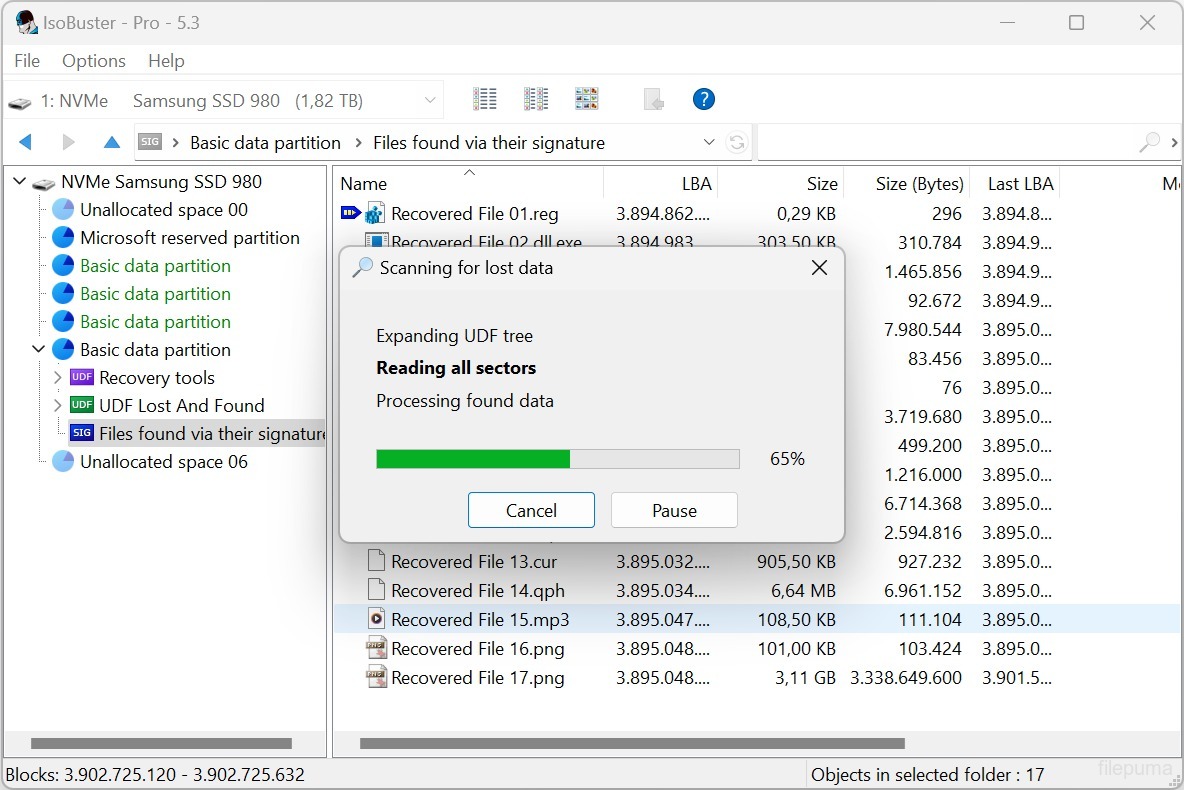
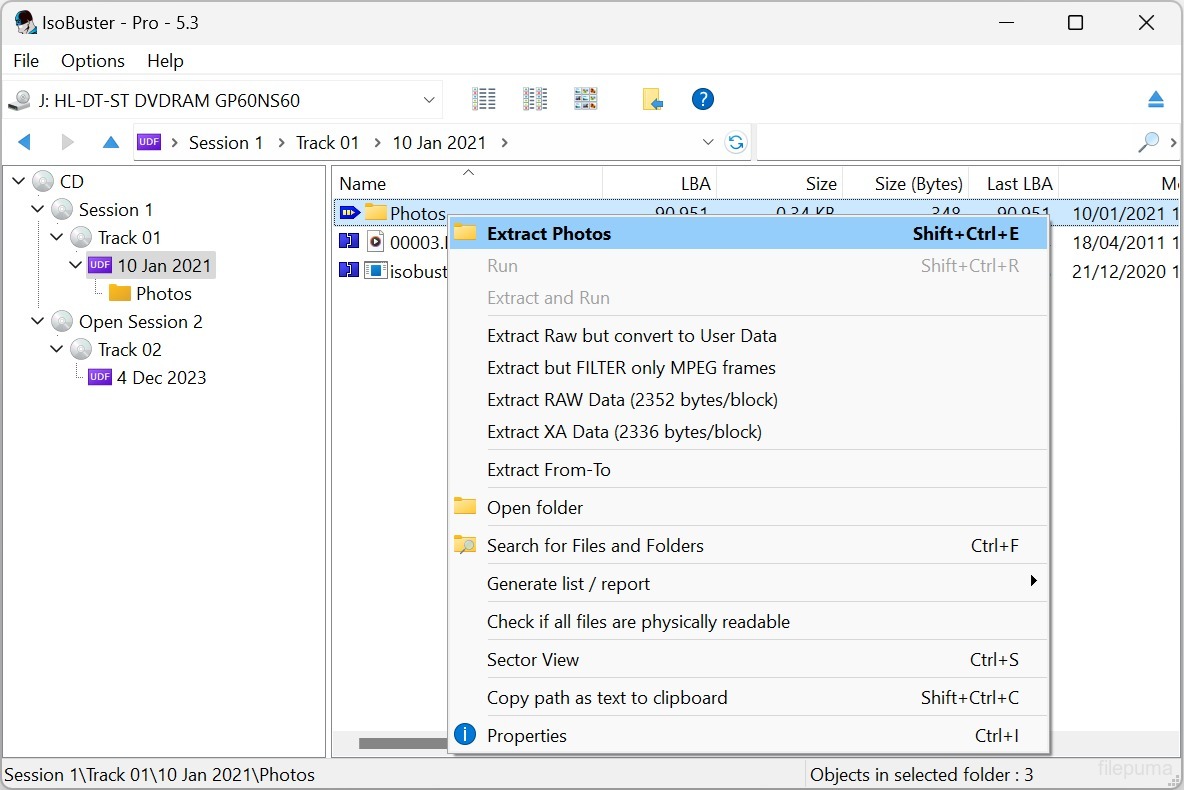
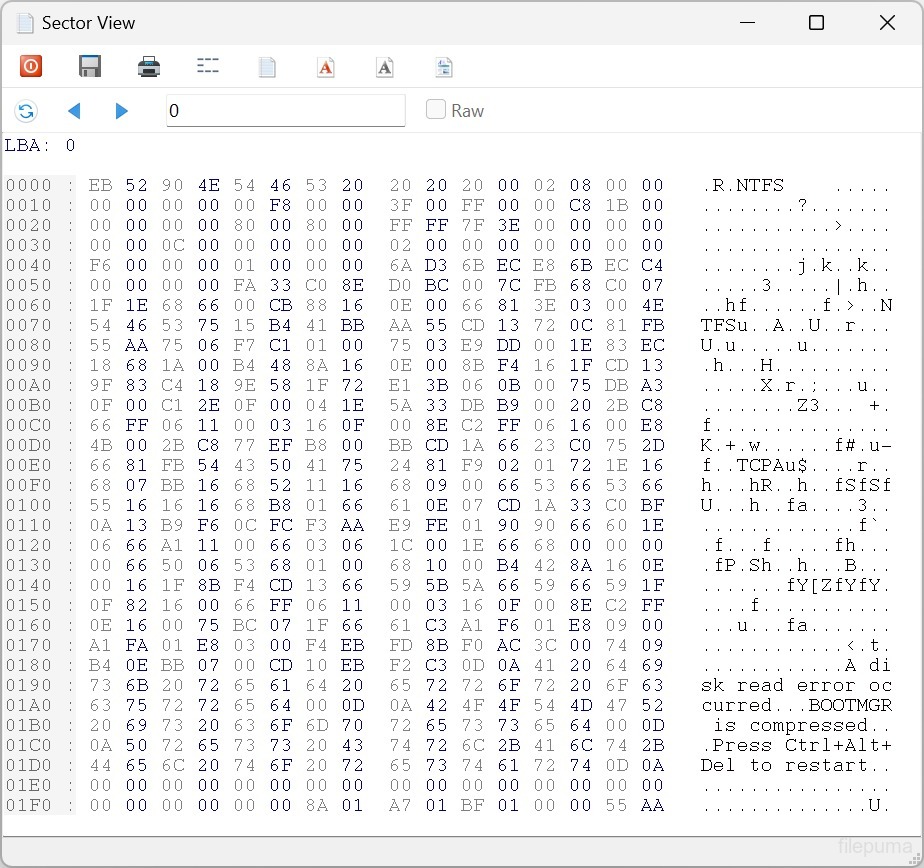
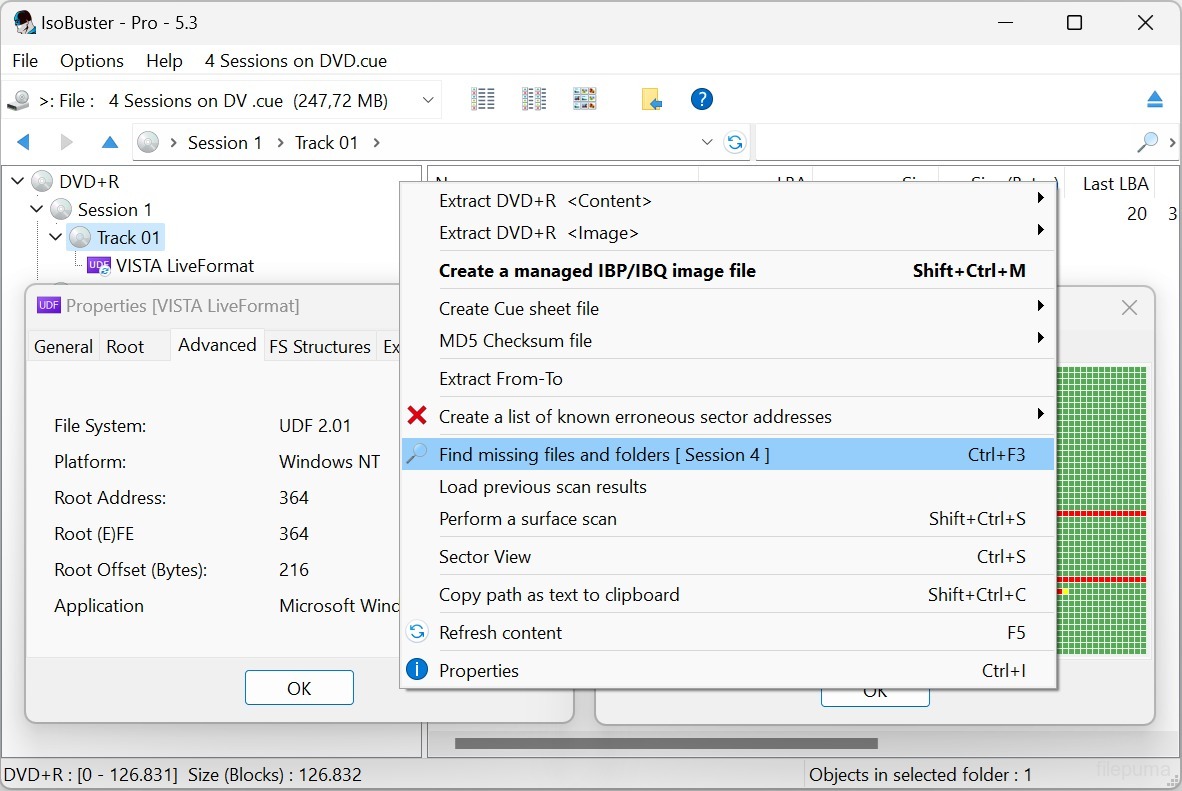
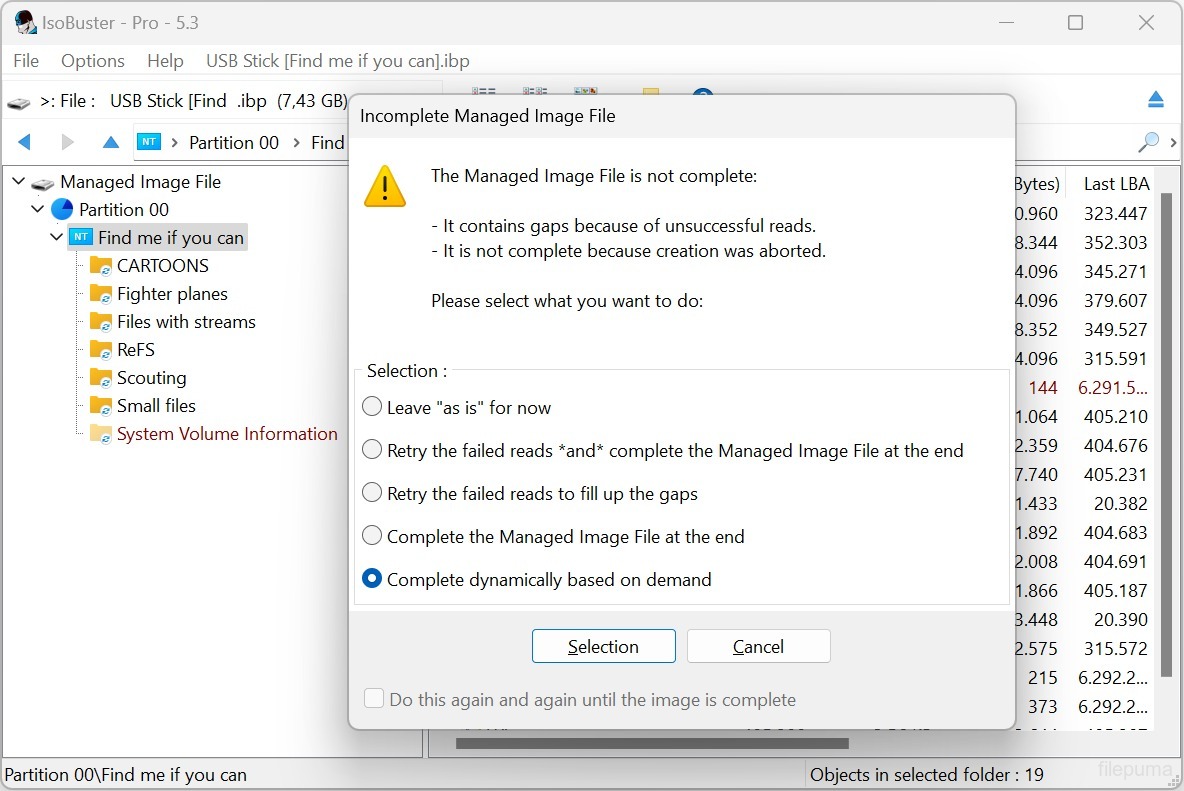
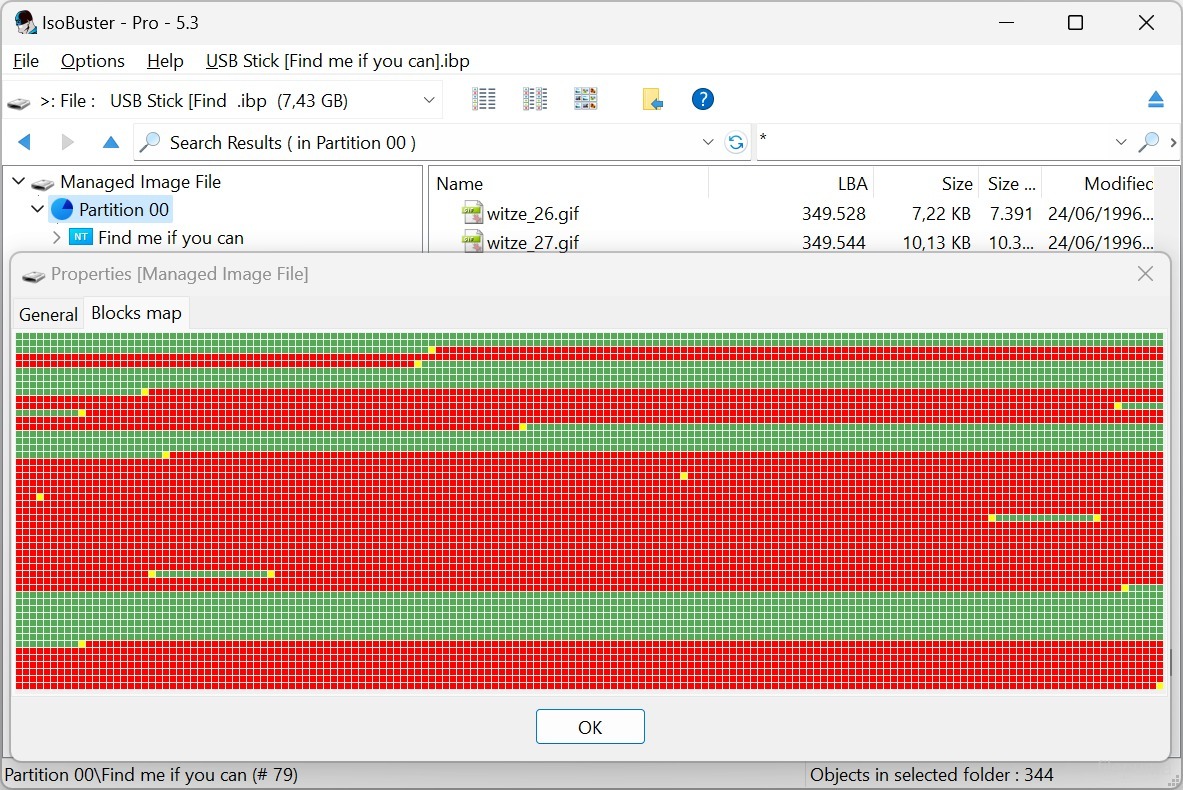


IsoBusterçeşitli optik diskler ve depolama medyalarından veri kurtarmak için tasarlanmış çok yönlü bir yazılım aracıdır. Kullanıcı dostu arayüzü ve güçlü işlevselliği ile IsoBuster, veri kurtarma ile uğraşan bireyler ve profesyoneller için başvurulan bir çözüm haline gelmiştir.
Dosyaları yanlışlıkla sildiyseniz, bir diski biçimlendirdiyseniz veya bir okuma hatasıyla karşılaştıysanız, IsoBuster size CD, DVD, Blu-ray, USB bellekler, hafıza kartları ve daha fazlasından değerli bilgileri geri getirmede yardımcı olabilir. ISO9660, UDF, FAT, NTFS ve HFS dahil olmak üzere geniş bir dosya sistemi yelpazesini destekler ve bu da neredeyse her türlü disk veya cihazla uyumlu olmasını sağlar.
IsoBuster, hasarlı veya bozuk medyayı işleme yeteneğinde mükemmeldir. Çizilmiş, kısmen okunabilir veya tamamen okunamaz disklerden veri kurtarmak için gelişmiş algoritmalar kullanır. Sektörleri tarayarak ve dosya imzalarını analiz ederek, IsoBuster diğer yazılımların geri alınamaz olarak görebileceği dosya ve dizinleri yeniden yapılandırabilir.
Yazılım ayrıca, disklerden imaj dosyaları oluşturma, ses parçalarını çıkarma ve verilerin bütünlüğünü doğrulama gibi bir dizi ek özellik sunar. Kullanıcılara optik medyalarından bireysel dosya veya klasörleri tarama ve çıkarma olanağı sağlayan detaylı bir dosya sistemi keşfi sunar.
Geniş uyumluluğu, sağlam kurtarma yetenekleri ve kapsamlı özellik setiyle IsoBuster, veri kaybı veya hasar görmüş medya ile uğraşan herkes için vazgeçilmez bir araçtır. Depolama teknolojilerinin değişen ortamına ayak uydurarak evrim geçirmeye ve uyum sağlamaya devam ederek veri kurtarma ihtiyaçları için güvenilir bir seçim haline gelmiştir.
Ana Özellikler:
- Hasarlı optik medyadan veri kurtarma.
- Çeşitli dosya sistemleri için destek.
- Erişilemeyen disklerden tek tek dosyaları ve klasörleri çıkarın.
- ISO, BIN, IMG dosyaları oluşturun.
- Görüntü dosyalarını sanal sürücüler olarak bağlayın.
- Disk koşulunu değerlendirmek için yüzey taraması.
- Çok dilli destek.
- CD'ler, DVD'ler, Blu-ray, HD DVD, SSD, USB sürücüler ve hafıza kartlarıyla uyumluluk.
- Kolay gezinme ve veri kurtarma için kullanıcı dostu arayüz.
Yeni Olan Nedir?
- Support for the Linux EXT file system
- Support for Rimage mastered CD/DVD discs with manifest file
- Support for Nintendo GameCube file system
- Support for GEMDOS / Atari - ST FAT12-16 variant
- Support for High Sierra on CD-ROM (the predecessor to ISO9660)
- Implemented internal device caching, especially used during File System recognition. Many file systems start from similar addresses. Caching avoids having to re-read blocks for every file-system that is checked
- Detect if the Nintendo Wii file system is present and show an icon for it (*)
- Detect if the Linux RomFS file system is present and show an icon for it (*)
- Detect if the Unix/Linux JFS file system is present and show an icon for it (*)
- Detect if the Unix/Linux ZFS file system is present and show an icon for it (*)
- Detect if the Unix/Linux Minix file system is present and show an icon for it (*)
- Detect if the Linux BtrFS file system is present and show an icon for it (*)
- Detect if the Linux SquashFS file system is present and show an icon for it (*)
- Detect if the Linux CramFS file system is present and show an icon for it (*)
- Detect if the Linux BeFS (BFS) file system is present and show an icon for it (*)
- Detect if the Microsoft ReFS file system is present and show an icon for it (*)
- New and much faster way to find deleted files and folders in an NTFS file system
- (*) Full exploration of this file system is not implemented but now an investigator can see if it is present
- Extra tests to make sure a child folder doesn't have subfolders that are a parent folder, creating circular links, in buggy or recovered file systems
- Added a 'Paranoid mode' when creating managing IBP/IBQ image files, to make sure all data is flushed to the destination without system caching, and structures are updated regularly
- Allow to complete a managed image file from media of which the layout doesn't fully match, but the risk is manageable [Professional]
- Allow to complete a managed image file from another non-managed image file [Professional]
- Improved speed when updating the IBP managed image file
- Added various extraction type switches via the command line: /ET: A, IBP, WAV, RAW, R2U, RUN, DLL
- Added new file system switches via the command line: /EF: see the various newly implemented file systems
- Added Pinnacle Studio mastered DVDs to the IFO/VOB recognition sequence ("PCLE UDFLib")
- Added ability (via right mouse click) to see the properties-window-text as text in a memo field (for easy copy and paste)
- Support for underscores in function names in the libewf.dll, so that Borland bcc32 built dlls can be used as well
- Always display FileName:StreamName, with or without [ADS] appended, for NTFS Alternate Data Streams
- Removed registration dialog nag when doing a surface scan on BD media
- Improvements in the Extract From-To functionality, dialog and warnings
- Make sure testing for encrypted partitions only happens once, not every time the visual node is created (e.g. when switching devices in GUI)
- Do not read extra blocks to test for partition encryption if there are enough cached blocks
- Updated the 'Agent' string when doing an online query, to check for a new version, to be more compatible with modern servers and systems
- Reverse the order of AVDP parsing, LBA 512 first rather than 256 first, in case of a CeQuadrat made UDF disc, to deal with CeQuadrat UDF bugs
- Get the proper volume name for CeQuadrat made UDF CD-R discs
- After an image file has been made, save its filename to the recently opened image files, so that it can be opened immediately from the recent image files' list
- Improved .GI image file interpretation, specifically improvements in finding the header size
- Show files and folders with the System property in another color
- Show special files, file entries that are not used in the classical way by Unix/Linux file systems, in another color
- Show Windows overlay icons and add the shortcut overlay icon to EXT symbolic link files
- Added checkbox to options to uncheck using CD-Text in filenames, when audio tracks are extracted
- The file-exists dialog now also allows to auto-rename a file, instead of over-writing or ignoring the file (non-Windows file systems allow duplicate but caps-sensitive names in the same folder)
- New dialog to auto-rename filenames that are illegal in Windows but OK in other non-Windows file systems
- Auto-rename folders, during extraction, when they contain illegal Windows-filename characters or a Windows-reserved file/folder name.
- Show Endianess in UFS, XFS, ISO and SquashFS and other File System properties
- Improvements in drag&drop functionality and the use of the temporary folder. Better clean-up afterwards
- Possibility to always get the RETRY SELECT ABORT error dialog (instead of RETRY OMIT ABORT) on file extraction
- Various improvements, changes and re-writes in the core code / engine, as this is a living project and to deal with the ever growing new functionality
- Various GUI improvements
Fixes:
- Fixed GUI issue that caused incorrect values to be displayed in certain error messages
- Fixed possible hang when EWF image files are loaded
- Fixed that sometimes the sanitizing part after finding missing files and folders on a FAT volume could take 'forever', due to bad FAT records
- Fixed data-corruption issue, introduced in 3.5, while extracting files with more than 10 extents (fragments would be extracted in the wrong order)
- Fixed it so that when an IBP/IBQ is made twice in a row from the same media (without a refresh) the bitmap is still fully written out to the IBP
- Avoid exception error on bad IBP without (enough) bitmap data (rare test case)
- Fixed extraction of named streams of an NTFS folder (not file)
Program diğer dillerde mevcuttur.
- Download IsoBuster (32bit)
- Télécharger IsoBuster (32bit)
- Herunterladen IsoBuster (32bit)
- Scaricare IsoBuster (32bit)
- ダウンロード IsoBuster (32bit)
- Descargar IsoBuster (32bit)
- Baixar IsoBuster (32bit)
Kullanıcı Yorumları
Kullanıcı Puanı
 27
27
Lisans:
Ücretsiz Deneme
Gereksinimler:
Windows 2000 SP4/ 2003/ XP/ Vista/ Windows 7/ Windows 8
Diller:
Multi-languages
Size:
3.9MB
Yayıncı:
Güncellendi:
Jun 23, 2015
Temiz
Yazılım Raporu
Son Sürüm
Eski Sürümler
 IsoBuster (32bit) 5.8
 IsoBuster (64bit) 5.8
 WinRAR (64bit) 7.23
 7-Zip (64bit) 26.05
 WinRAR (32bit) 7.01
 7-Zip (32bit) 26.05
 Google Drive 133.0.2.0
Güvenlik Seviyeleri
Cihazınıza olası zararları önlemek ve verilerinizin ve gizliliğinizin güvenliğini sağlamak amacıyla, ekibimiz her yeni kurulum dosyası sunucularımıza yüklendiğinde veya bir uzak sunucuya bağlandığında kontrol yapar ve dosyanın durumunu onaylamak veya güncellemek için periyodik olarak gözden geçirir. Bu kontrol temelinde, indirilebilir dosyalar için aşağıdaki güvenlik seviyelerini belirliyoruz.
 Temiz
Temiz
Bu yazılım programının temiz olması yüksek ihtimal.
Bu yazılım programıyla ilişkili dosyaları ve URL'leri dünyanın önde gelen 60'tan fazla antivirüs hizmetinde taradık; olası tehditler bulunamadı. Ayrıca, üçüncü taraf yazılımlar bir arada gelmemiştir.
 Uyarı
Uyarı
Bu program reklam desteklidir ve gerekli olmayan üçüncü taraf programların kurulmasını teklif edebilir. Bu, bir araç çubuğu, ana sayfanızı değiştirmek, varsayılan arama motorunuzu ayarlamak veya diğer parti programlarını yüklemek gibi şeyleri içerebilir. Bunlar yanlış pozitif olabilir ve kullanıcılarımızın bu yazılımı kurarken ve kullanırken dikkatli olmaları tavsiye edilir.
 Engelli
Bu yazılım artık indirilebilir durumda değil. Bu yazılım programının kötü niyetli olma veya güvenlik sorunları ya da başka nedenlerden dolayı olması oldukça olasıdır.
Bir Rapor Gönderin
Teşekkür ederim!
Raporunuz gönderildi.
Talebinizi gözden geçireceğiz ve uygun adımları atacağız.
Lütfen bu raporla ilgili alınan herhangi bir eylem hakkında bildirim almayacağınızı unutmayın. Verdiğimiz rahatsızlıktan dolayı özür dileriz.
Web sitemizi temiz ve güvenli tutma konusundaki yardımınızı takdir ediyoruz.