
Looking for a free Mac cleaner? Try diCleaner

Paint.NET4.0 Beta
 免費下載
免費下載
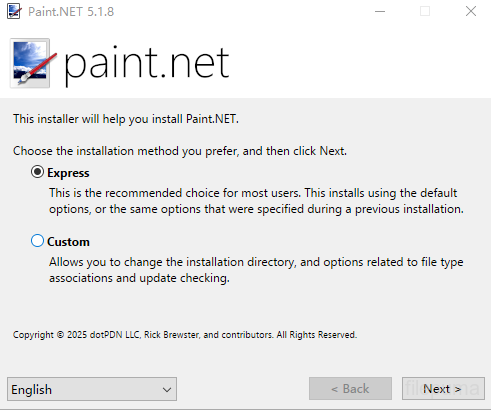
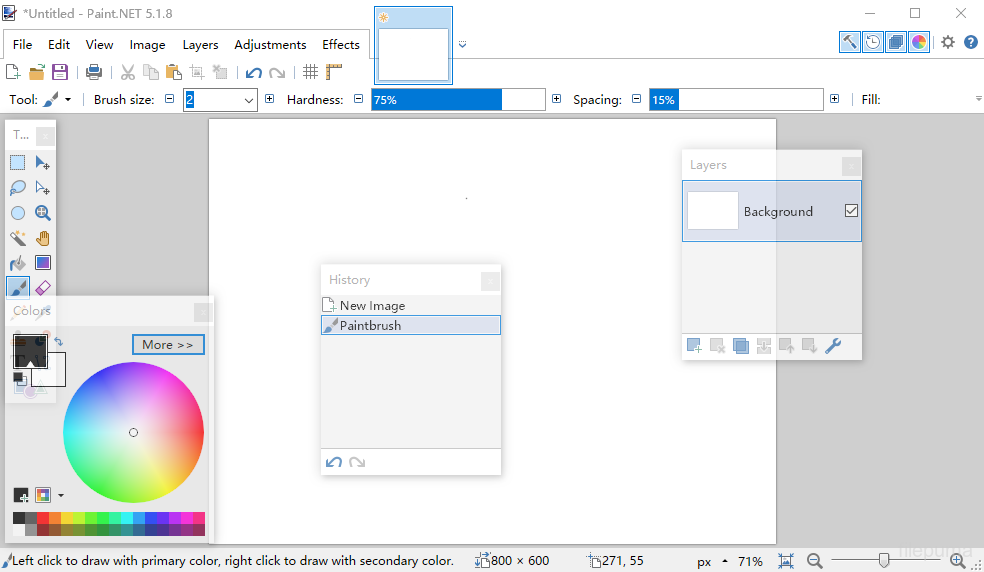
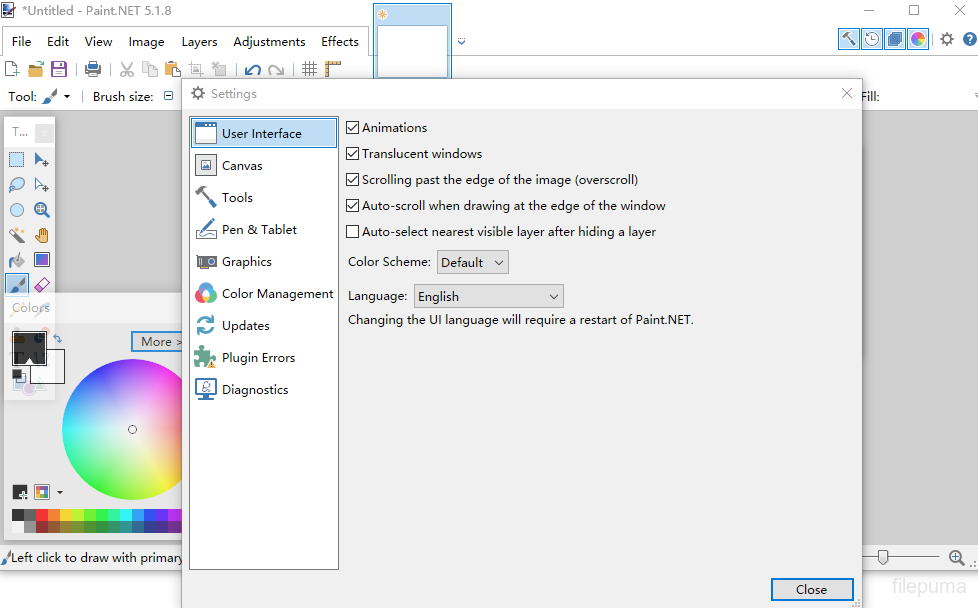


Paint.NET是一款免費的圖像和照片編輯軟件,專為在Windows運行的電腦設計。它提供了一個乾淨和直觀的界面,讓用戶可以快速學習並輕鬆開始編輯圖像。最初作為一個大學項目開發,它已發展成為一個維護良好且受人尊敬的應用程式,並受到強大的線上社群支持。
Paint.NET支持圖層,使用戶能夠精確管理複雜的構圖。標準編輯功能如裁剪、調整大小和旋轉均可用,此外還有更高級功能,如曲線調整、混合模式和多種藝術效果。這些工具有助於用戶有效地提升照片或創建數位藝術作品。
Paint.NET支持多種圖像格式,包括JPEG、PNG、BMP,甚至透過插件支持Photoshop PSD文件。其插件系統允許用戶透過新增效果、調整和文件類型來擴展功能,使其適應不同的創意工作流程。
背後的社群Paint.NET積極開發教程、插件和擴展,促進軟體的持續改進。透過定期更新和輕量級的安裝,它提供了響應迅速的編輯體驗,無需過高的硬體要求。aint.NET對於那些尋找可靠且簡單的圖像編輯器的人來說,是一個穩定的選擇。
關鍵功能:
- 使用者友好的介面:簡單、乾淨且直觀的佈局,便於使用。
- 層支援:允許通過層進行高級圖像合成,類似於Photoshop。
- 強大的工具:包括選擇、移動、縮放、漸層、複製圖章和文字工具。
- 特效:提供模糊、銳化、去紅眼、扭曲及浮雕等效果。
- 無限歷史:具有視覺歷史窗口的無限撤銷功能,用於錯誤恢復。
- 插件支援:透過社群創建的插件擴展過濾器、效果和工具的功能。
- 活躍的社群:通過大型用戶論壇訪問教程、插件下載和支援。
- 高速效能:即使在普通硬體上也經過優化以提升速度和效能。
- 定期更新:經常更新以修復錯誤、新功能和改進。
最新消息
Version 4.0 Beta
- Added a "Finish" (aka commit) button in the toolbar. It looks like a green check mark. This makes it much easier to discover how you finish a shape and then draw another one, for instance. Most of the non-brush tools support this (e.g. Move, Gradient, Magic Wand, Paint Bucket, Text).
- Added a choice between Light and Blue color schemes to Settings. The default on Windows 8/8.1 is Light, and the default on Windows 7 is Blue.
- Fixed some artifacts in the Magic Wand when making a "Global" selection
- Fixed a crash in the Magic Wand tool that was causing people a lot of grief ("this.baseGeometry == null")
- Fixed a crash in various tools (crash in ClickDragBehavior.cs line 270)
- Fixed brush strokes being completely erratic over Remote Desktop
- Fixed some very broken UI rendering over Remote Desktop with Windows 8
- The icons in the top-right of the main window are now scaled correctly for high-DPI
- Fixed a crash if you clicked to undo multiple actions after committing a shape
- Fixed some performance issues whereby non-active images were still rendering stuff in the background
- Fixed many tools emitting a history item even if the image was unaffected (e.g. drawing a brush stroke outside of the canvas)
- Fixed a leftover progress bar in the status bar after loading an image
- Fixed Ctrl+Arrow keys not moving the selection by 10 pixels (it only moved by 1 px) if you didn't first release the Ctrl key after you pasted with Ctrl+V
- Removed the dangling "Tool:" tooltip on the Tool selection button in the toolbar
- Fixed a crash when the language was changed if the new language's localized "paint.net User Files" folder already existed
- Fixed the dash style button in the toolbar being too skinny at 96 DPI (it worked fine at >96 DPI)
- Fixed the main window's application icon being off by 2 pixels
- Fixed Ctrl+D reverting selection movement if it was pressed too quickly after using the arrow keys
- Fixed some missed thumbnail updates, especially for the Layers window
- Fixed the Width/Height text boxes in the toolbar for Fixed Selection not having an outline around them
- Fixed a visual styles related crash on some buttons in some cases
- Fixed the main installer not running after the .NET 4.5.1 installer if it required a reboot
- Fixed the installer seeming to disappear if there wasn't enough disk space to install .NET 4.5.1
- Shapes no longer finish/commit if you press the delete key
- Non-active images no longer update their thumbnails when you make changes in another image which affect them (e.g. if you leave an uncommited shape on image 1, then switch to image 2 and change the color)
- Fixed a crash in the Text tool if you try to use a "bad" font (one which shows up in the font list as a yellow exclamation mark)
該程序提供其他語言版本
- Download Paint.NET
- Télécharger Paint.NET
- Herunterladen Paint.NET
- Scaricare Paint.NET
- ダウンロード Paint.NET
- Descargar Paint.NET
- Baixar Paint.NET
使用者評價
用戶評分
 224
224
許可證:
免費
需求:
Windows 7 / Windows 8/ Windows 8.1
語言:
Multi-languages
尺寸:
5.8MB
出版社:
更新了:
Feb 12, 2014
清潔
報告軟體
最新版本
舊版本
開發者的軟體
 Paint.NET 5.1.12
 FastStone Image Viewer 8.5
 XnView 2.52.5
 Picasa 3.9 Build 141 259
 IrfanView (32bit) 4.75
安全級別
為了避免對您的設備造成潛在損害,並確保您的數據和隱私安全,我們的團隊在每次新的安裝檔案上傳到我們的伺服器或連結到遠端伺服器時進行檢查,並定期審查該檔案以確認或更新其狀態。根據這種檢查,我們為任何可下載檔案設定以下安全級別。
 清潔
清潔
這個軟體程序極有可能是乾淨的。
我們在全球60多個主要殺毒服務中掃描了與此軟件程序相關的文件和網址;未發現任何潛在威脅。並且沒有捆綁第三方軟件。
 警告
警告
本程序是由廣告支持的,可能會提供安裝不必要的第三方程序。這些可能包括工具欄、更改您的首頁、預設搜尋引擎或安裝其他第三方程序。這些可能是誤報,我們建議用戶在安裝和使用此軟體時要小心。
 殘疾的
殘疾的
這款軟體不再提供下載。這款軟體程式很可能是惡意的,或存在安全問題或其他原因。
提交報告
謝謝你!
您的報告已經發送。
我們將審查您的請求並採取適當的行動。
請注意,您將不會收到有關此報告所採取行動的通知。我們對可能造成的任何不便表示歉意。
我們感謝您在保持我們網站清潔和安全方面的幫助。