

SyncBackFree7.0.0.47
 免費下載
免費下載
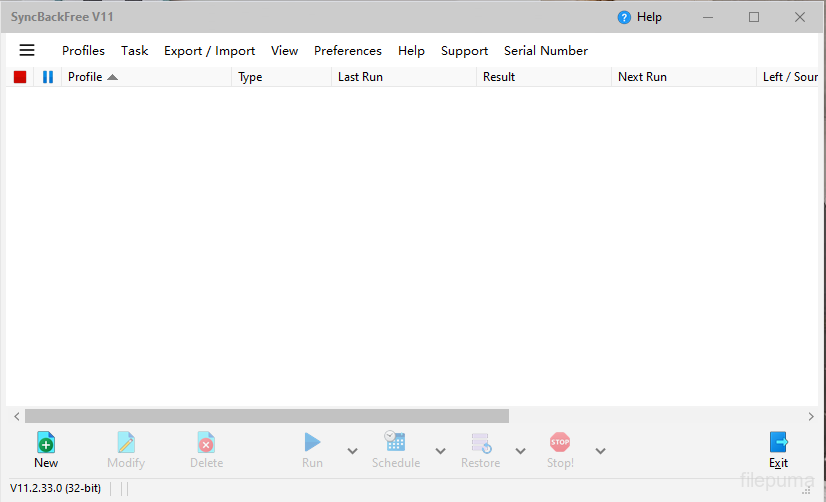
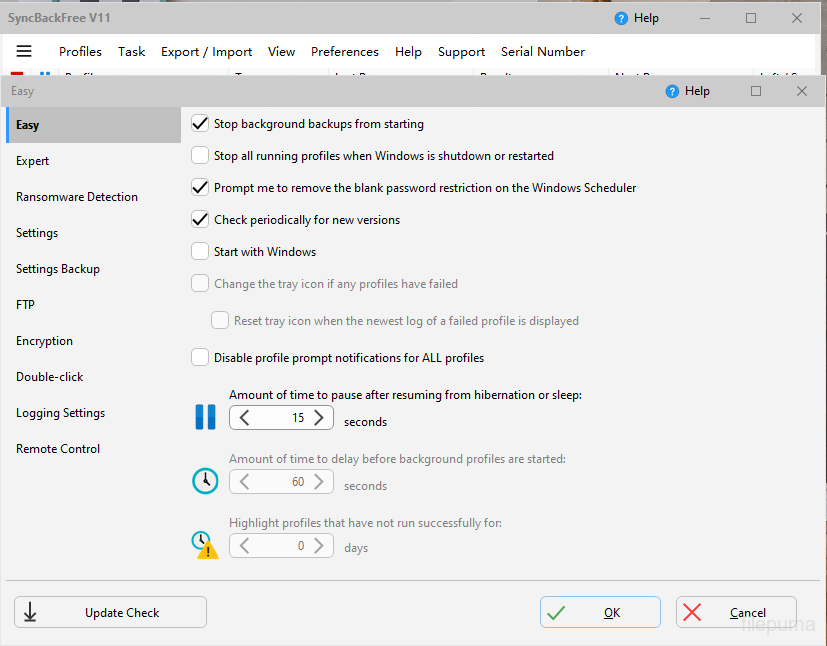
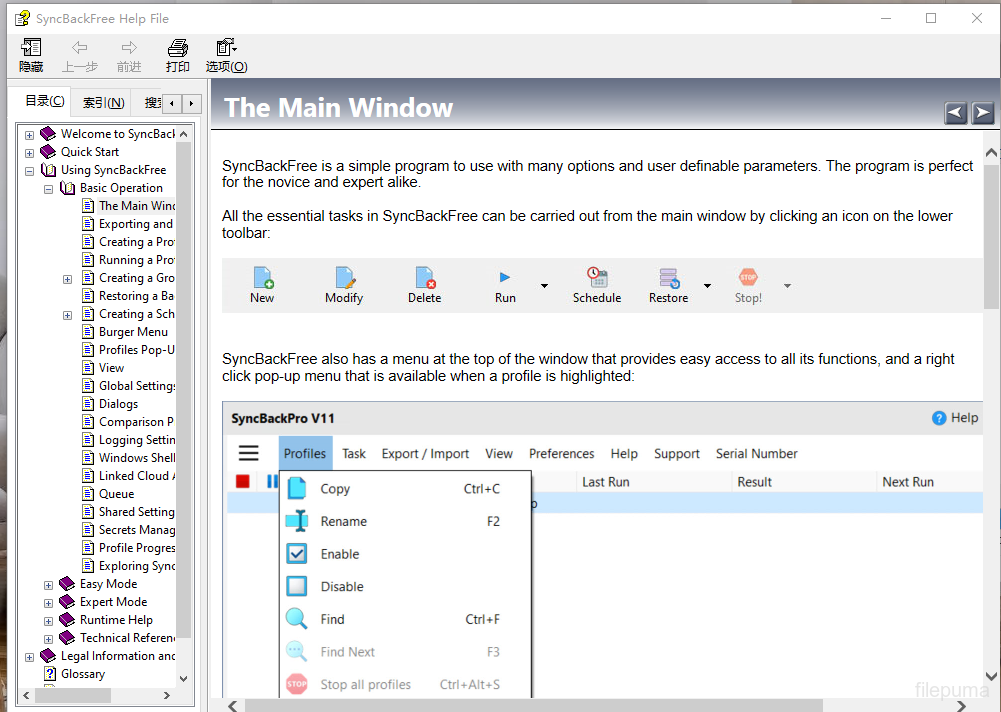
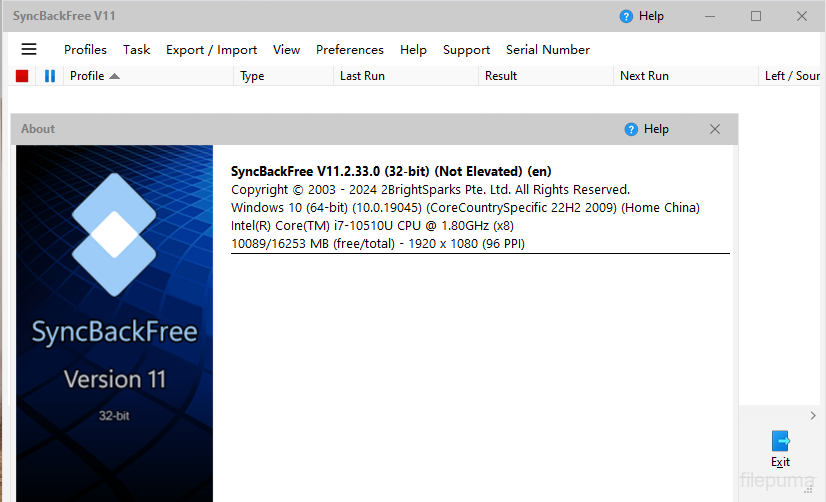
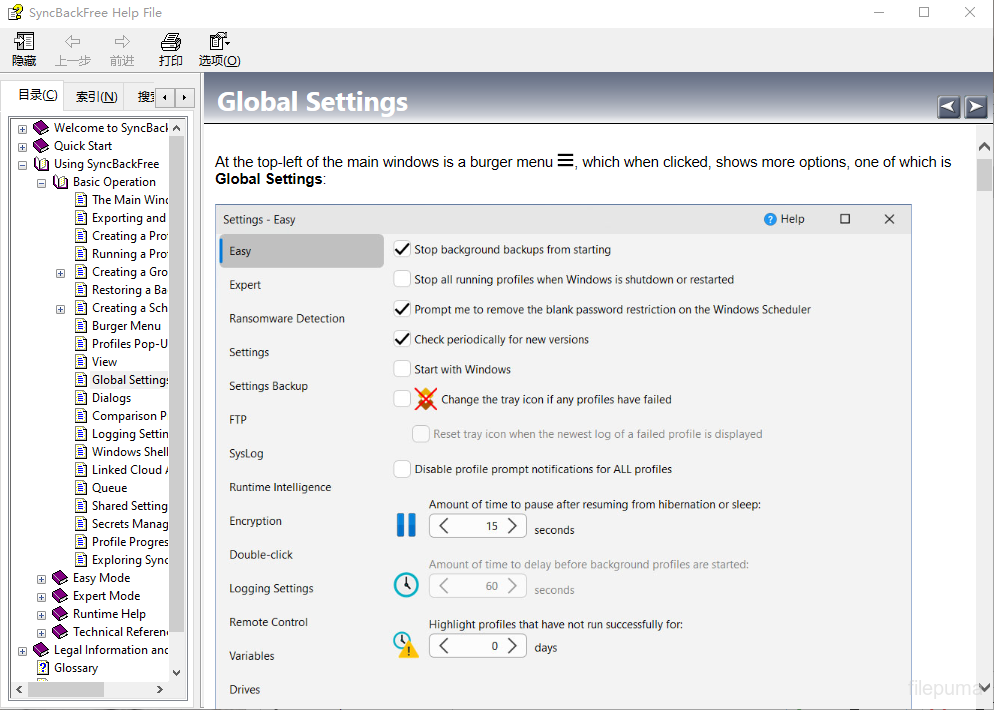


SyncBackFree是一款功能强大且可靠的備份和同步軟體,允許用戶以簡單高效的方式備份和同步他們的文件和文件夾。使用SyncBackFree,用戶可以快速輕鬆地創建重要文件和文件夾的備份,並在多個設備或位置之間同步文件。
SyncBackFree 的其中一個主要功能是其靈活性。該軟體允許用戶以多種方式自定義其備份和同步任務,例如設置特定計劃、選擇要包含或排除的文件和資料夾,甚至設置過濾器來包含或排除某些文件類型或大小。
SyncBackFree的另一個優秀功能是其使用者友好的介面。這款軟體易於操作,擁有清晰簡潔的選單和選項,使設定和管理備份及同步任務變得簡單。此外,該軟體提供每個備份和同步工作的詳細報告,因此用戶可以快速輕鬆地查看已備份或同步的內容以及可能發生的任何錯誤或問題。
SyncBackFree 也具有高度的自訂性,提供各種高級選項,允許用戶根據他們的特定需求微調備份和同步設置。例如,用戶可以設置電子郵件通知,在備份或同步任務完成時提醒他們,或者使用 FTP 或 SFTP 將文件傳輸到遠程位置。
SyncBackFree 是一款出色的備份和同步軟體,對於需要可靠且靈活解決方案來備份和同步文件和資料夾的用戶來說是完美的選擇。無論您是尋找備份個人文件的家庭用戶,還是尋找強大備份和同步解決方案的商業用戶,SyncBackFree 絕對值得考慮。
主要特點:
- 文件和資料夾的備份與同步
- 使用者友善的介面,搭配實用的精靈助手
- 自定義備份設定檔以滿足特定需求
- 自動化任務的高級排程選項
- 文件和資料夾過濾以排除不必要的數據
- 支持熱門雲端存儲服務
- 免費版本提供基本功能
最新消息
- Group profiles now have log files
- Support for Microsoft Exchange for sending and receiving email
- When->Insert profile settings page will show drive inserts and removes
- When using option to delete all empty folders it will now record deletion and failure to delete in log
- Can export differences from Differences window
- Can specify filters for what files to verify or not verify
- On Differences window can now choose to abort just that profile in group from Abort button
- On Differences window can now choose to skip Differences window in future from Copy button
- Pro: DiffWindows.vbs script
- Pro: PreCopyExample script
- 20% improvement in scan performance when using DOS filters (the default)
- Email Support Ticket menu item in Help menu. Auto-fills product and Windows version and searches online KB.
- Numerous items fixed when using high DPI display and scaling
- Resume on FTP upload/download if connection lost and start profile again. Also works with standard Windows file copy.
- Better checking to see if trying to close SyncBack with AutoClose. Also does not record a warning or error if trying to close self.
- Variables %TODELETESRCONLYCNT%, %TODELETEDESTONLYCNT% and %TODELETEBOTHCNT%
- Setup->Warning profile settings page
- Checkboxes for run before and after
- Option to not replace non-empty files with empty files
- Better chance of detecting if profile is already running in another process and session
- Search for profiles by their name and source and destination folders. Can use wildcards.
- Rollback feature on Differences window
- Can now select folders when doing backup of email
- Sparse files are copied correctly using Backup file copying method
- Option to use backup copy method when copying sparse files
- Can specify idle time for periodic background runs
- Can specify idle time for on changes runs
- OneDrive placeholder files are ignored (must be using Windows 8.1 or newer)
- Option to not use current username and password for Windows network connections
- Profile history column widths and hidden/not hidden state saved
- Finding files in Differences window
- Windows environment variables are now read from the current state instead of from when the process was started
- Uses profile run history to pre-allocate file and directory lists in memory and possibly use database immediately
- Use large cache option for faster network scanning
- Search online knowledge base (via Help main menu)
- Manifest updated for Windows 8.1 compatibility
該程序提供其他語言版本
- Download SyncBackFree
- Télécharger SyncBackFree
- Herunterladen SyncBackFree
- Scaricare SyncBackFree
- ダウンロード SyncBackFree
- Descargar SyncBackFree
- Baixar SyncBackFree
使用者評價
用戶評分
 26
26
許可證:
免費
需求:
Windows XP/ Vista/ Windows 7/ Windows 8/ XP 64/ Vista 64/ Windows 7 64/ Windows 8 64
語言:
Multi-languages
尺寸:
13.2MB
出版社:
更新了:
Oct 14, 2014
清潔
報告軟體
最新版本
舊版本
 SyncBackFree 12.1.6.0
 SyncBackPro 12.1.6.0
 Wise Data Recovery 6.2.2
 IZArc 4.6
 Beyond Compare 5.2.5
 FBackup 9.9.1044
安全級別
為了避免對您的設備造成潛在損害,並確保您的數據和隱私安全,我們的團隊在每次新的安裝檔案上傳到我們的伺服器或連結到遠端伺服器時進行檢查,並定期審查該檔案以確認或更新其狀態。根據這種檢查,我們為任何可下載檔案設定以下安全級別。
 清潔
清潔
這個軟體程序極有可能是乾淨的。
我們在全球60多個主要殺毒服務中掃描了與此軟件程序相關的文件和網址;未發現任何潛在威脅。並且沒有捆綁第三方軟件。
 警告
警告
本程序是由廣告支持的,可能會提供安裝不必要的第三方程序。這些可能包括工具欄、更改您的首頁、預設搜尋引擎或安裝其他第三方程序。這些可能是誤報,我們建議用戶在安裝和使用此軟體時要小心。
 殘疾的
殘疾的
這款軟體不再提供下載。這款軟體程式很可能是惡意的,或存在安全問題或其他原因。
提交報告
謝謝你!
您的報告已經發送。
我們將審查您的請求並採取適當的行動。
請注意,您將不會收到有關此報告所採取行動的通知。我們對可能造成的任何不便表示歉意。
我們感謝您在保持我們網站清潔和安全方面的幫助。