

TOWeb5.15
 免费下载
免费下载
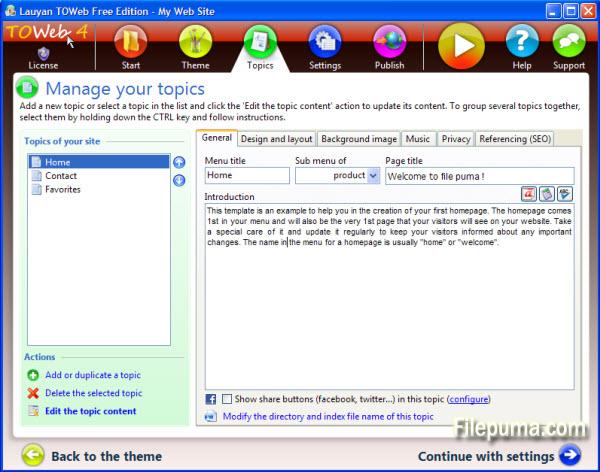
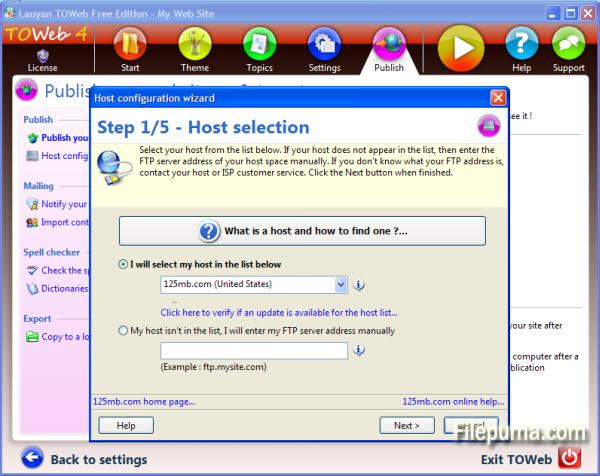
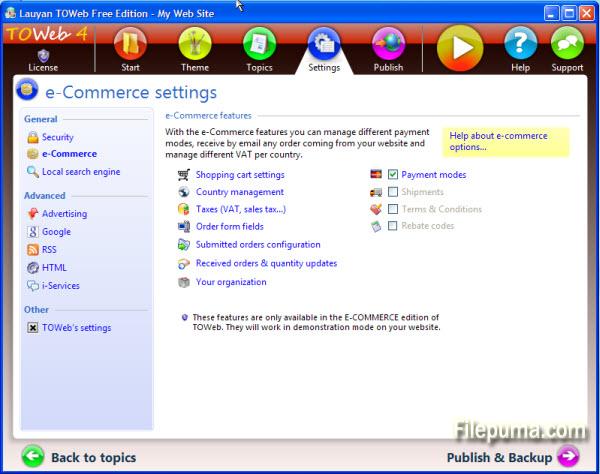
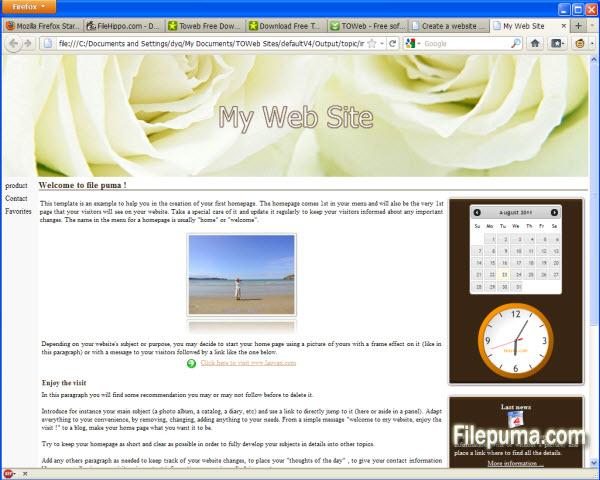


使用TOWeb软件,无论您是专家还是初学者,您都可以在几分钟内创建和维护一个网站。
使用TOWeb,只需5个步骤:从主题创建您的网站,赋予其独特的视觉身份,选择一些选项,并在任何托管服务上发布您的网站。特别是,TOWeb具有集成的图片编辑器,允许您裁剪、应用边框效果、文本或对图像进行变形,并为您提供所有建议和必要工具,以优化您网站在搜索引擎中的引用。
所有高级功能只需点击一次,只需遵循清晰指导的一致性,您的网站就会成功完成。
有什么新鲜事
Version 5.15
- In design mode under the Topics' step, a toolbar is now displayed when hovering over some editable or customizable elements (such as paragraphs, site's menu or shopcart button) to easily access their options. The double-click remains operational as before to directly modify any editable element such as titles and texts. These toolbars are all displayed by default at the end of the hovered elements but can be displayed at the beginning of these elements by using the option located in the "Options > TOWeb" screen
- The drop-down list of topics now starts with a “Add a new topic” entry to facilitate the creation of a new topic in your site
- New checkbox “Flat buttons” located in the theme under the element "Site > General > Buttons > Default button" to remove the default gradient/3D effects of all buttons of your site. This allows to make flat buttons used a lot in webdesign these days
- New option located in “Options > e-Commerce > Shopping cart” to quickly remove the shopping cart of your site and deactivate all e-Commerce features
- The different states of Brazil are now available. Not activated by default you can use them from TOWeb step “Options > e-Commerce > Selling Countries” by selecting 'Brazil” and checking the option called “Use states/departments for Brazil”
- In the “Options> Advertising” screen, the input area containing the custom advert script was expanded to occupy the maximum screen size for a better readability of your script. Furthermore in the generated web pages, the script is now purged of all newline characters in order to avoid any error due to misplaced returns but also to reduce the size of the generated pages
- Product information may have been initially displayed with wrong default values when using subproducts categories with different values (like different prices for instance)
- The zoom and “Street View” functions were not working properly in Google Maps and the markers were not been displayed correctly when using several maps into the same topic
该程序可提供其他语言版本。
- Download TOWeb
- Télécharger TOWeb
- Herunterladen TOWeb
- Scaricare TOWeb
- ダウンロード TOWeb
- Descargar TOWeb
- Baixar TOWeb
用户评论
用户评分

许可证:
免费
要求:
Windows XP/ Vista/ Windows 7/ Windows 8
语言:
English
尺寸:
24.8MB
出版商:
已更新:
Mar 6, 2014
清洁
报告软件
最新版本
旧版本
开发者软件
 TOWeb 6.18
 Web Page Maker 3.22
 Sitoo Web 2010
 TopStyle 5.0.0.108
安全级别
为了避免对您的设备造成潜在危害,并确保您的数据和隐私的安全,我们团队在每次新的安装文件上传到我们的服务器或链接到远程服务器时都会进行检查,并定期审查该文件以确认或更新其状态。基于这些检查,我们为所有可下载文件设置了以下安全级别。
 清洁
清洁
这个软件程序很可能是干净的。
我们在全球60多款领先的 antivirus 服务中扫描了与该软件程序相关的文件和 URL;没有发现任何潜在威胁。同时也没有捆绑任何第三方软件。
 警告
警告
该程序是由广告支持的,可能会提供安装不必要的第三方程序。这些程序可能包括工具栏、更改主页、默认搜索引擎或安装其他第三方程序。这些可能是误报,我们建议用户在安装和使用该软件时要小心。
 残疾人
残疾人
该软件不再提供下载。该软件程序很可能是恶意的,或者存在安全问题或其他原因。
提交报告
谢谢!
您的报告已发送。
我们将审核您的请求并采取适当的措施。
请注意,您将不会收到有关此报告所采取任何行动的通知。对于可能造成的任何不便,我们深表歉意。
我们感谢您帮助保持我们网站的整洁和安全。